Wed Feb 18 2026
0 Comments
How to Fill in The Best 7 Backend Keywords on Amazon KDP Without The Stress
How to Fill in The Best 7 Backend Keywords on Amazon KDP Without The Stress
First off, what are the 7 backend keyword slots on Amazon KDP?
On Amazon KDP, the 7 backend keyword slots are 7 different fields you fill with relevant keywords during your book listing process, allowing up to 50 characters each (350 total) to boost search visibility. Instead of single words, use short phrases, character types, settings, or themes that describe your book.
Key Guidelines for 7 KDP Backend Keywords:
- Don't Repeat: Avoid repeating words already in your title, subtitle, or author name.
- Focus on Relevance: Use phrases that target themes, characters, plot, setting, or tone (e.g., "dark fantasy romance for teens," "victorian London mystery").
- Use All 50 Characters: Each box can hold up to 50 characters (not words). Maximize this space with combinations of phrases.
- Avoid Promotional Words: Do not use words like "free," "bestseller," or "gift".
- No Need for Commas: Separate words with spaces, not commas.
Examples of Backend Keyword Types:
- Setting: Colonial America, dystopian future, rural Japan.
- Character Types: Single dad, gritty detective, sorcerer.
- Plot Themes: Coming of age, forbidden love, enemies to lovers.
- Target Audience/Usage: Coloring book for adults, teaching tools for kindergarten.
- These keywords function behind the scenes to help Amazon index your book for more relevant search queries.
Finding the best 7 backend keywords:
One needs to do research to find good longtail keyword phrases that people are actually searching for on Amazon. Use the Titans Pro keyword research tool to find good keywords. All you need to do is install the app, and it will work directly on the Amazon website. Then, in the Amazon search bar, type in the niche of your book, or a keyword relating to your book, and the tool will show you all the keyword phrases people are typing into the Amazon search bar that relate to your book. These are the type of keywords that would be good to use in your 7 backend keyword slots. Try this out with different search terms to find a good variety of relevant keywords for your book.
Things to also consider for your 7 backend keywords could be the size or color of your book. If it’s travel size or large print, if it’s for kids, adults, teens, or seniors. The genre or a specific age group.
Is there a tool that can help you automatically generate optimized 7 backend keywords for your book?
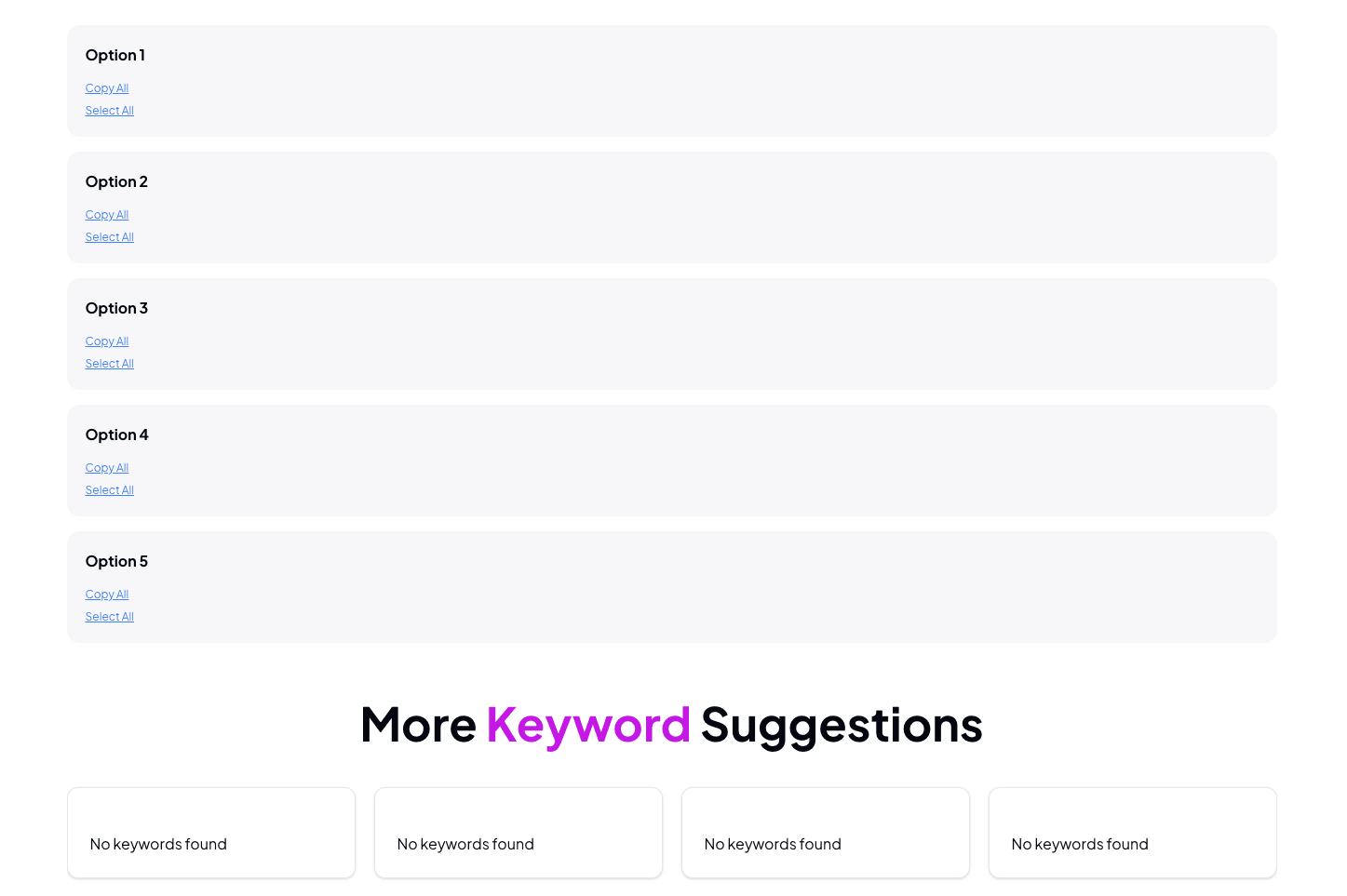
If you don’t know how to do your own keyword research and feel uncertain about what to choose or use from all the data, or you don’t want to guess wrong and hurt your book's visibility. Then there is a solution for you. With the 7 Backend Keywords Tool from Self Publishing Titans, you can simply type in your main keyword for your book and let it generate optimized keywords for you without the stress.
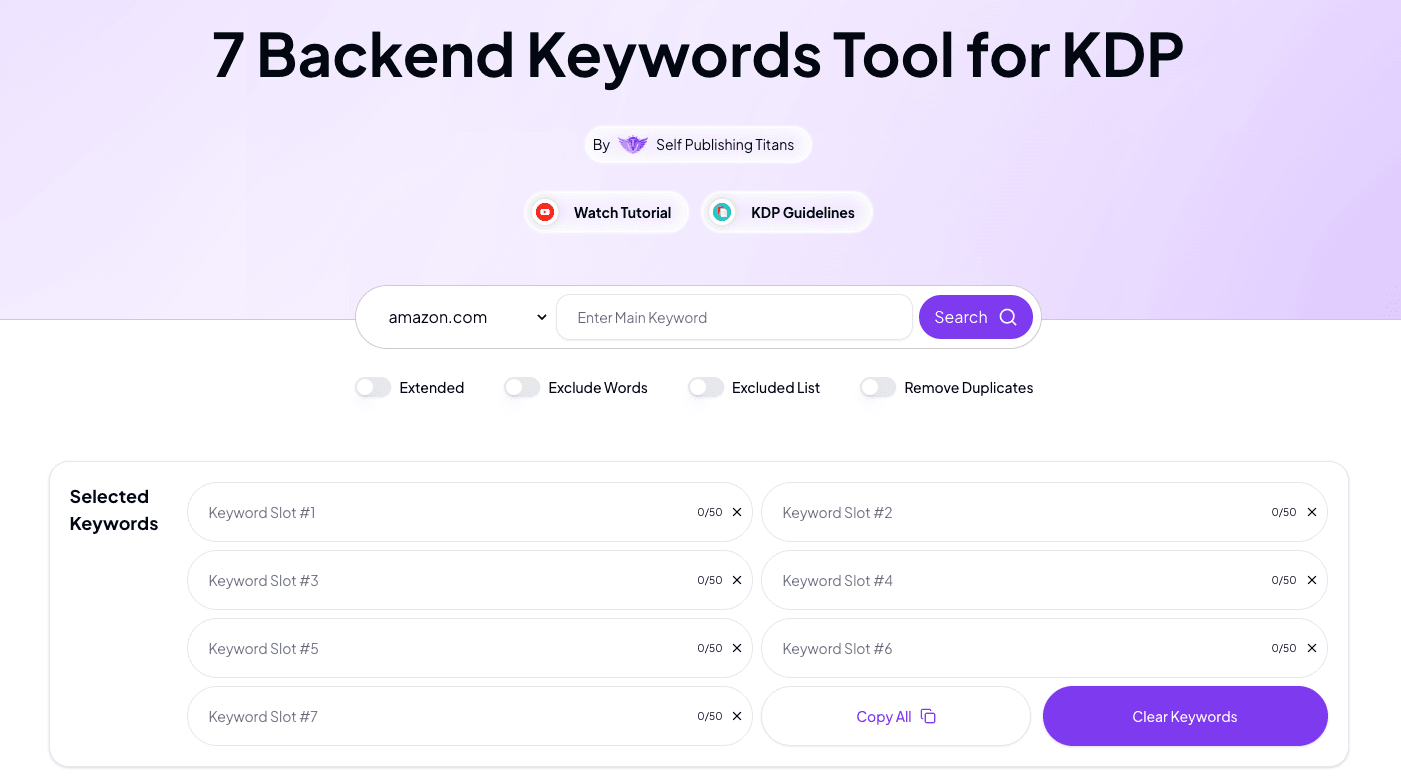
You will also have the option of choosing different keywords for your 7 backend slots, with additional keyword suggestions. So you can freely remove and add better options to ensure you have the most relevant keywords for your book.