Rainlit Harbor Literary Book Cover Template
Start with the Rainlit Harbor Literary design for fiction and customize it in Book Cover Creator. Replace the sample content while preserving a professionally structured layout.
- EditableIndividual design elements
- Full WrapFront, spine, and back
- KDPPublishing workflow
- ReusableBuild a consistent series
Rainlit Harbor Literary preview
Use the preview to evaluate the composition and visual direction before opening the editable template.
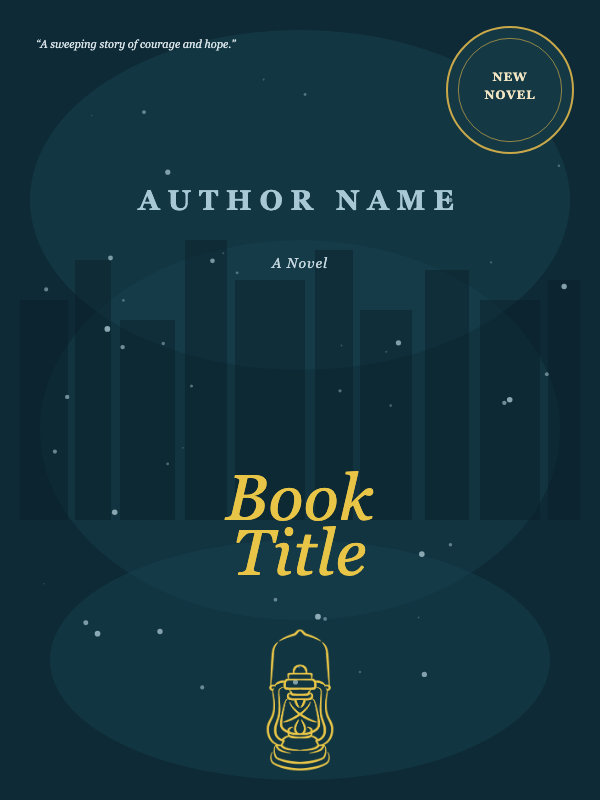
Quick reference
| Best fit | Fiction |
|---|---|
| Format | Editable full-wrap cover template |
| Customize | Title, typography, colors, artwork, spine, back cover, and barcode area |
| Before export | Confirm trim size, page count, paper type, bleed, and safe zones |
What you can edit in the Rainlit Harbor Literary template
The template is a starting point. Keep the structure you like and replace the creative elements required for your book.
- Book title, subtitle, author name, and typography
- Front-cover artwork, decorative elements, and color palette
- Spine title and author treatment
- Back-cover description, headings, and supporting graphics
- Barcode placement area and background styling
Who Rainlit Harbor Literary is for
- Authors creating a fiction book who want an editable visual starting point.
- Publishers who need a structured layout they can customize with book-specific copy and imagery.
- Authors building a consistent visual direction for a title or related series.
How to customize Rainlit Harbor Literary
- 1
Open the cover editor
Create or open a cover project, then find the template by its name in the template browser.
- 2
Enter exact print specifications
Set trim size, page count, paper, and bleed before you finalize the spine and wrap geometry.
- 3
Replace the sample content
Update text and artwork, then adjust spacing and contrast while keeping important elements inside safe areas.
- 4
Export and inspect
Review the full-resolution file and run it through the applicable KDP preview workflow before publishing.
Best uses for Rainlit Harbor Literary
- Create a polished fiction cover direction before building from a blank canvas.
- Build a visually consistent cover system for a new title or series.
- Prepare a cover layout, then tailor it to the final print specifications.
Common mistakes to avoid
Designing before the spine width is known
A page-count or paper change alters the spine. Set the production specifications before final alignment.
Putting important content outside safe zones
Keep titles, logos, and back-cover copy away from trim, fold, and barcode areas.
Using low-resolution artwork
Images that look acceptable on screen may print soft. Inspect source resolution at the final physical size.
Edge cases and final checks
Very thin books
The spine may be too narrow for readable text. Remove or simplify spine copy instead of forcing it.
Bleed versus no-bleed interiors
The interior bleed choice affects cover calculations. Match the cover setup to the exact KDP manuscript configuration.
Late page-count changes
Regenerate or resize the wrap after pagination changes, then recheck every spine and fold relationship.
Template vs. starting from scratch
| What matters | Doing it manually | With this tool |
|---|---|---|
| Starting point | Blank canvas and no visual hierarchy | A complete, genre-aware composition |
| Editing | Build every element and relationship yourself | Replace and adjust editable elements |
| Consistency | Easy for spacing and styles to drift | A coordinated visual system to customize |
| Production time | More setup and experimentation | Start with the layout already established |
Frequently asked questions
Can I change the text and colors in Rainlit Harbor Literary?
Yes. The template is intended as an editable starting point, so you can replace the sample text, colors, imagery, and styling in Book Cover Creator.
Can I use the template for more than one book?
You can reuse the workflow, but each finished design should accurately represent its specific book and should be customized enough to avoid a repetitive catalog.
Does it automatically fit every spine width?
No single wrap size fits every book. Enter the final trim, page count, paper, and bleed settings, then verify the generated dimensions before export.
Where do I edit this book cover template?
Open Book Cover Creator, create a project, and select Rainlit Harbor Literary from the template browser.
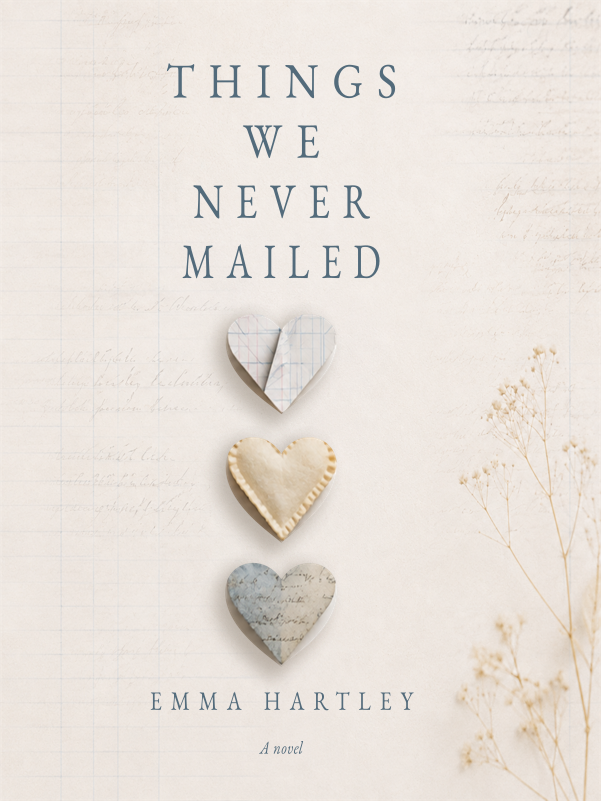
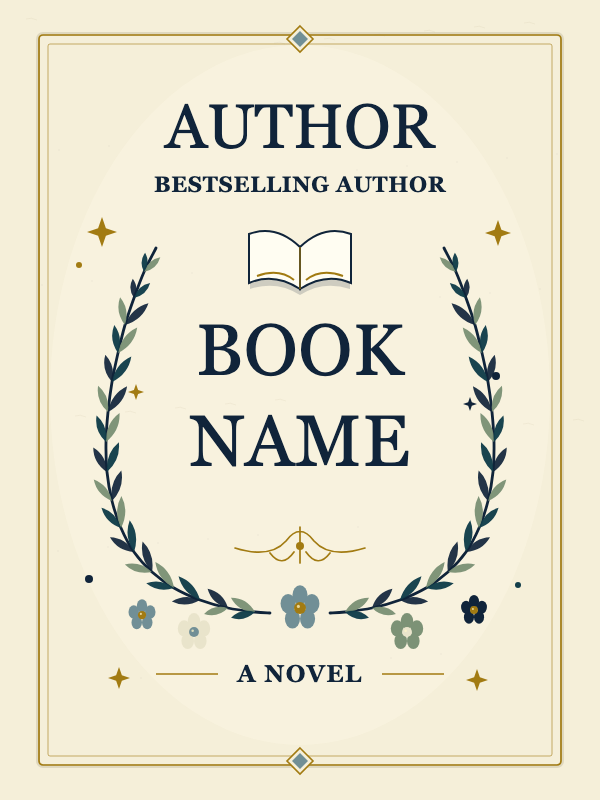
More Fiction templates
Compare related visual directions before choosing your starting point.






Related tools and resources
Resources & guidance
Want more practical KDP help?
Browse our free publishing resources, checklists, and tool guides before you start your next book.
Explore free resourcesMake Rainlit Harbor Literary your own
Open the editable template in Book Cover Creator, replace the sample content, and prepare a polished asset for your book.
Use this template in Book Cover CreatorNo design experience required · Print-ready PDF export