A place for every part
Keep title pages, chapters, and back matter in one manuscript.
NewWhich kind of book do you want to create?
$75 each$125 any two$175 all three
A dedicated writing and formatting tool for high-content fiction and nonfiction books: novels, memoirs, biographies, self-help, business books, and how-to guides. Keep your chapters organized, choose an editable style, and see your words become book pages.
No formatting experience needed to start.
Prefer more options? Get all 3 for $175.
Add sections. Find your place. Keep moving.
Click screenshots to enlargeSee where to write, how to organize your chapters, and how to change the look of your pages.
VIDEO DEMO PREVIEWFind your chapters and book sections.
Write and revise inside your book.
Explore fonts, headings, and paragraph styles.
Check the formatted view before your next step.
The hard part is finding the words. Getting your chapters organized and your pages looking consistent shouldn’t require a second career in page design.
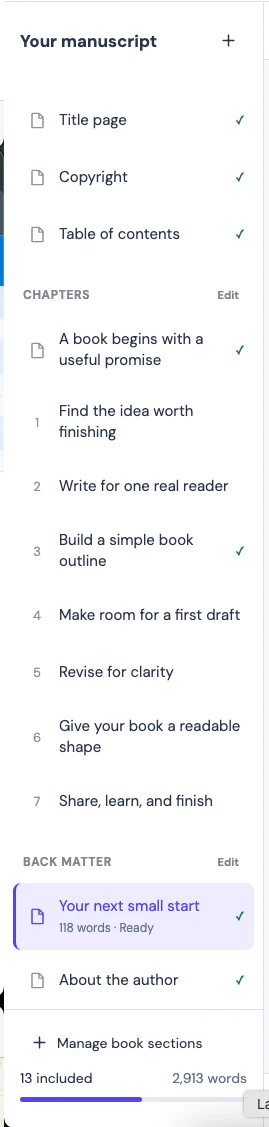
Keep title pages, chapters, and back matter in one manuscript.
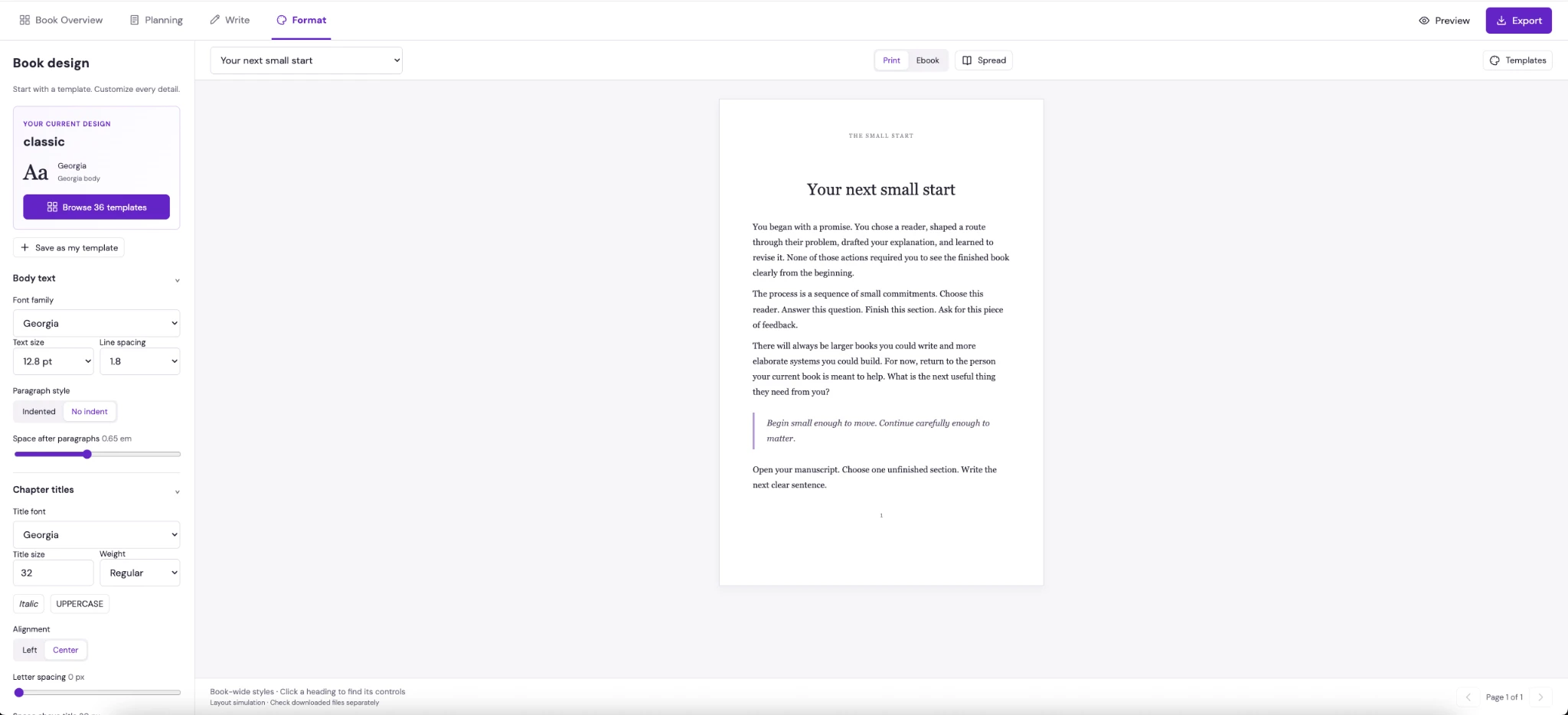
Choose an editable template, then refine the details.
See formatted pages as you work through the book.
Start with your title and the sections your book needs.
Build your ideas one chapter at a time.
Use a template, personalize it, then review the pages.
These are the same starting styles inside the studio. Pick one, then make it your own.
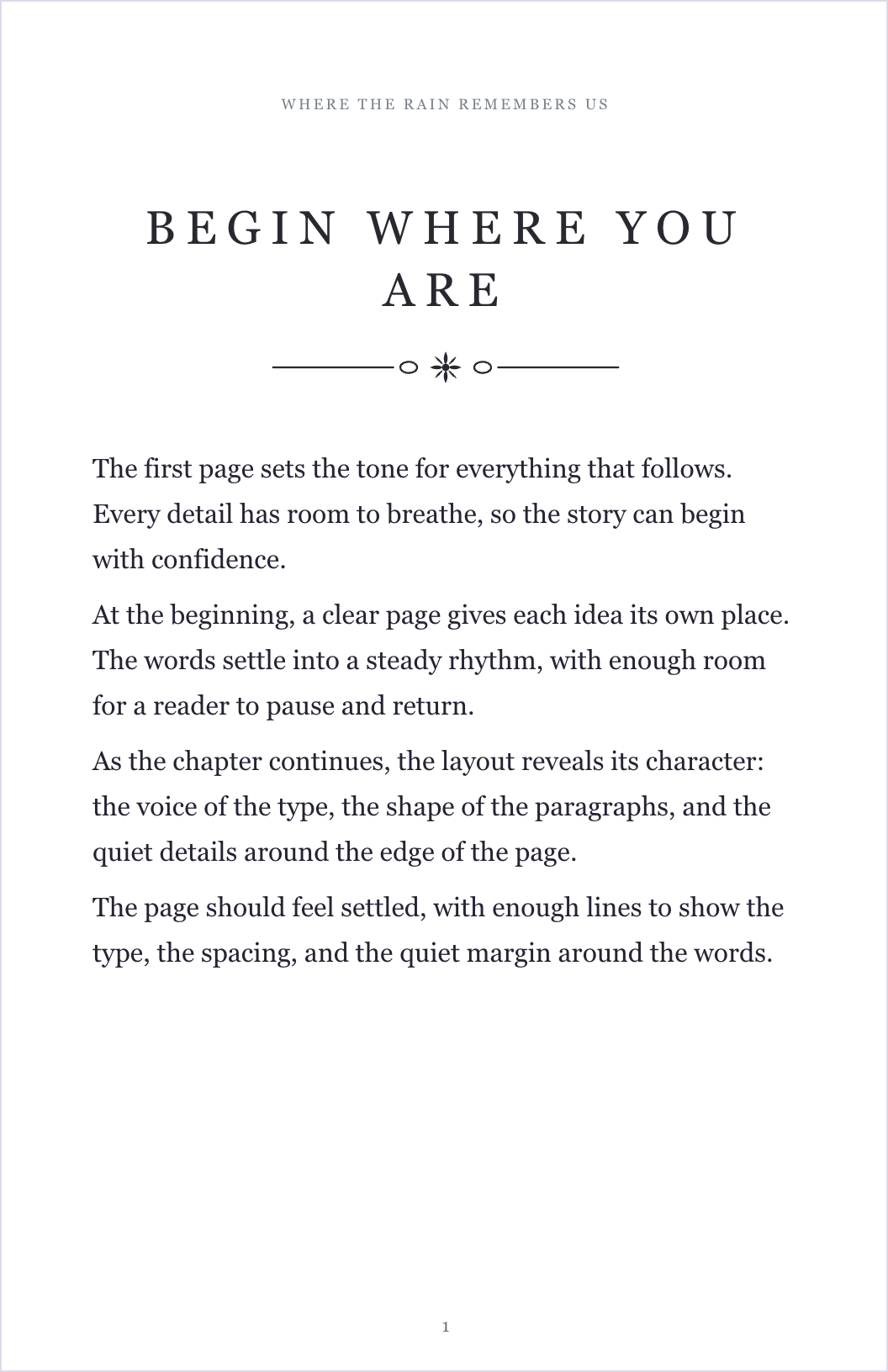
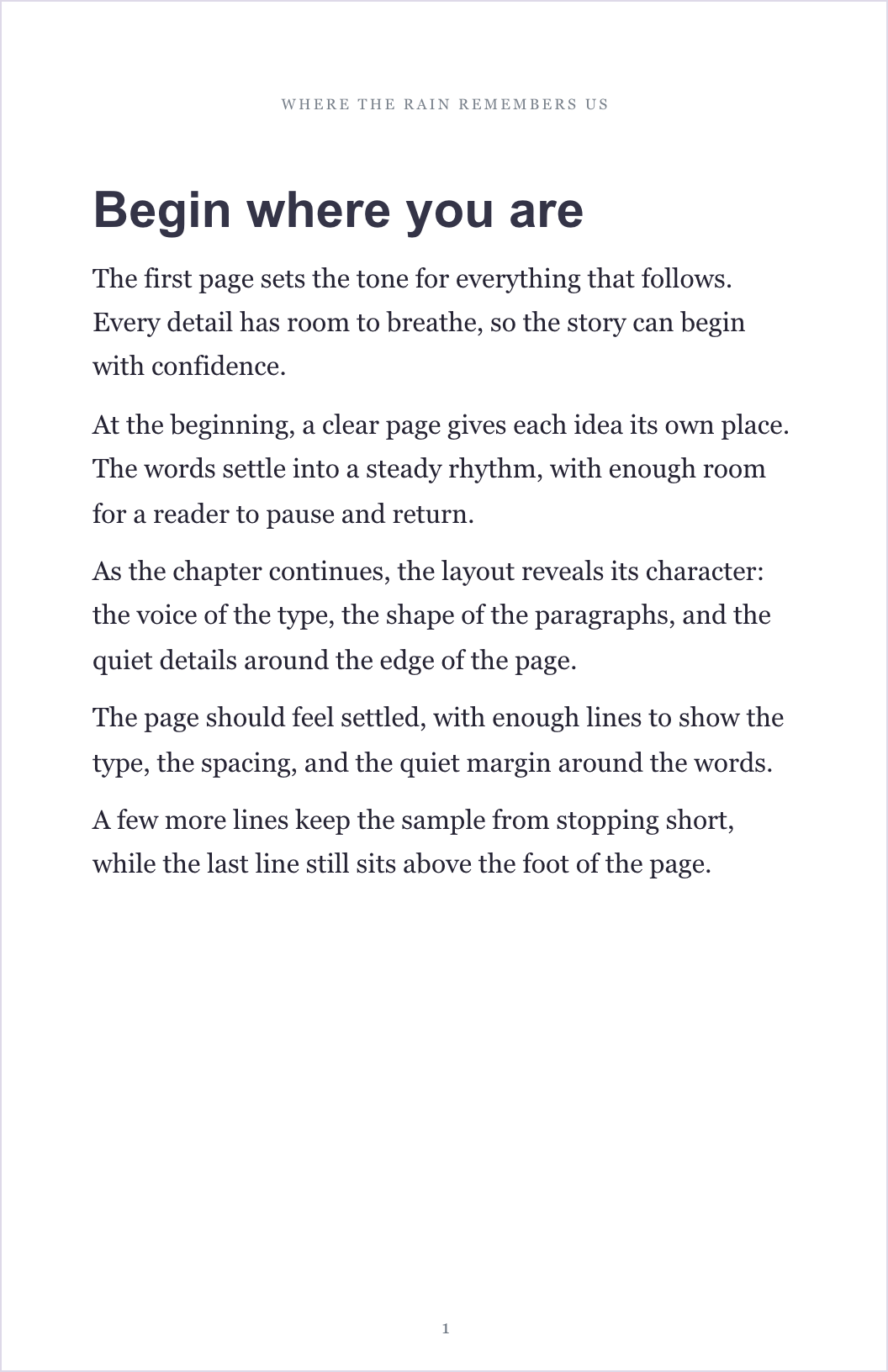
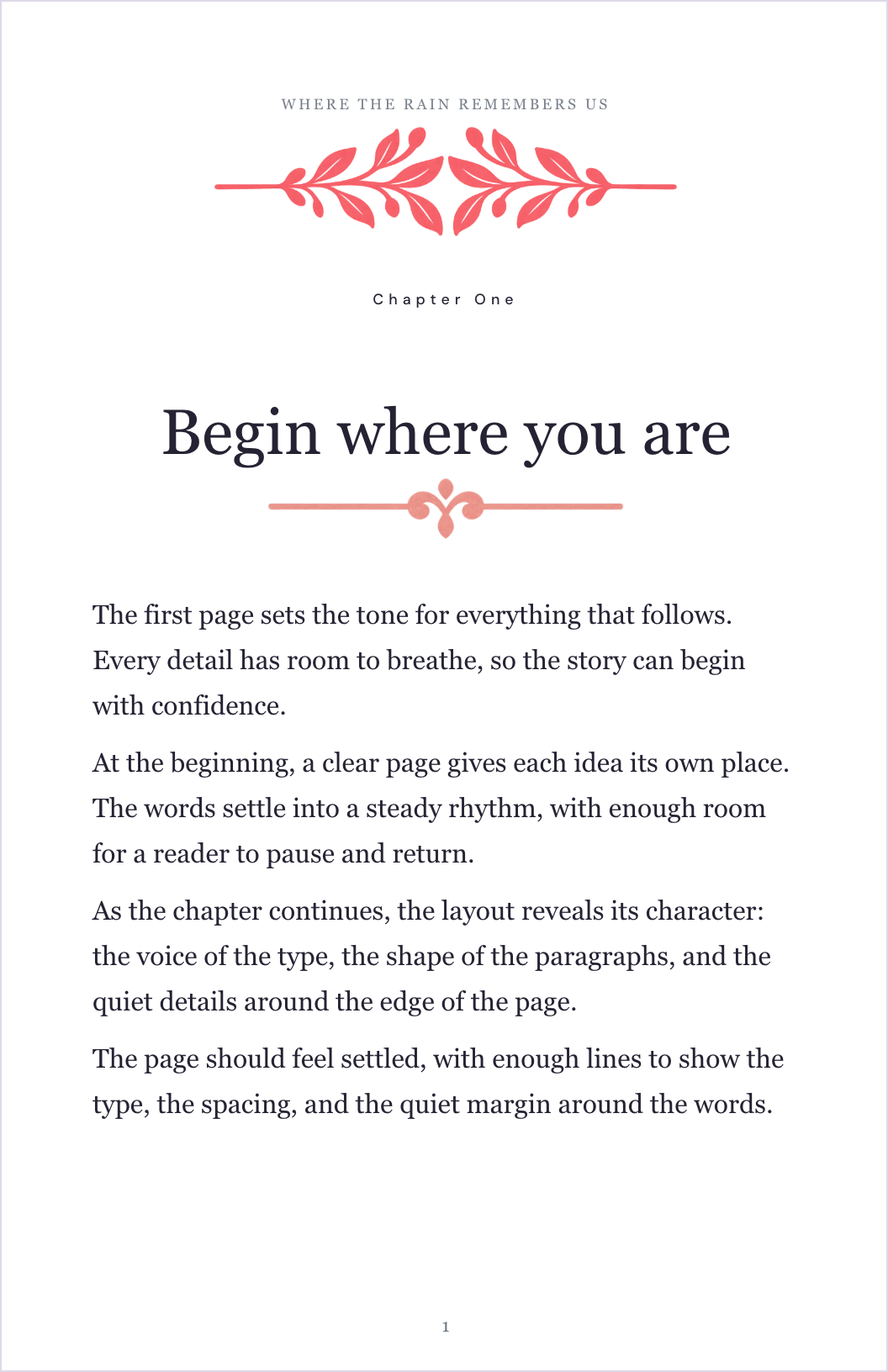
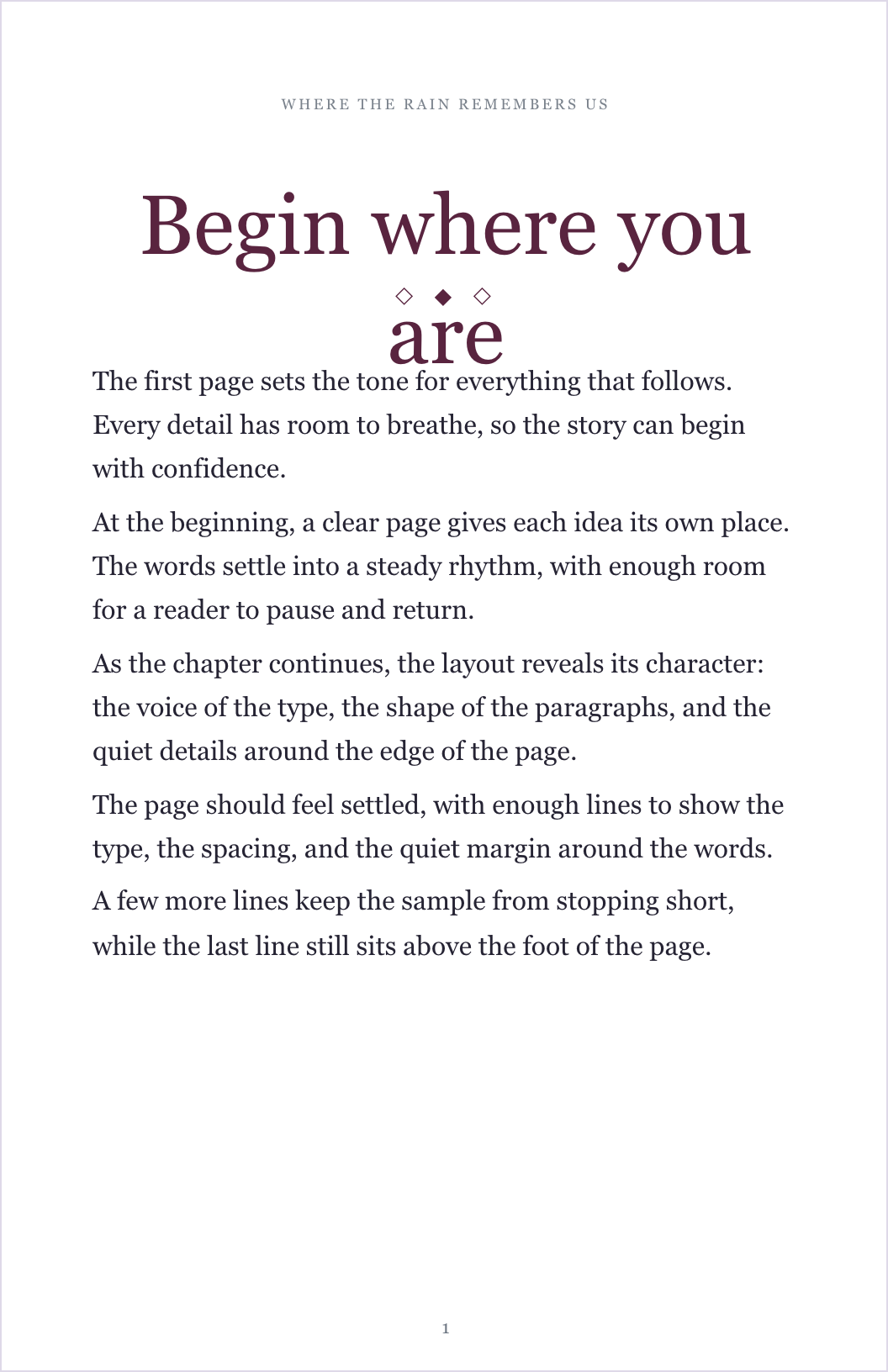
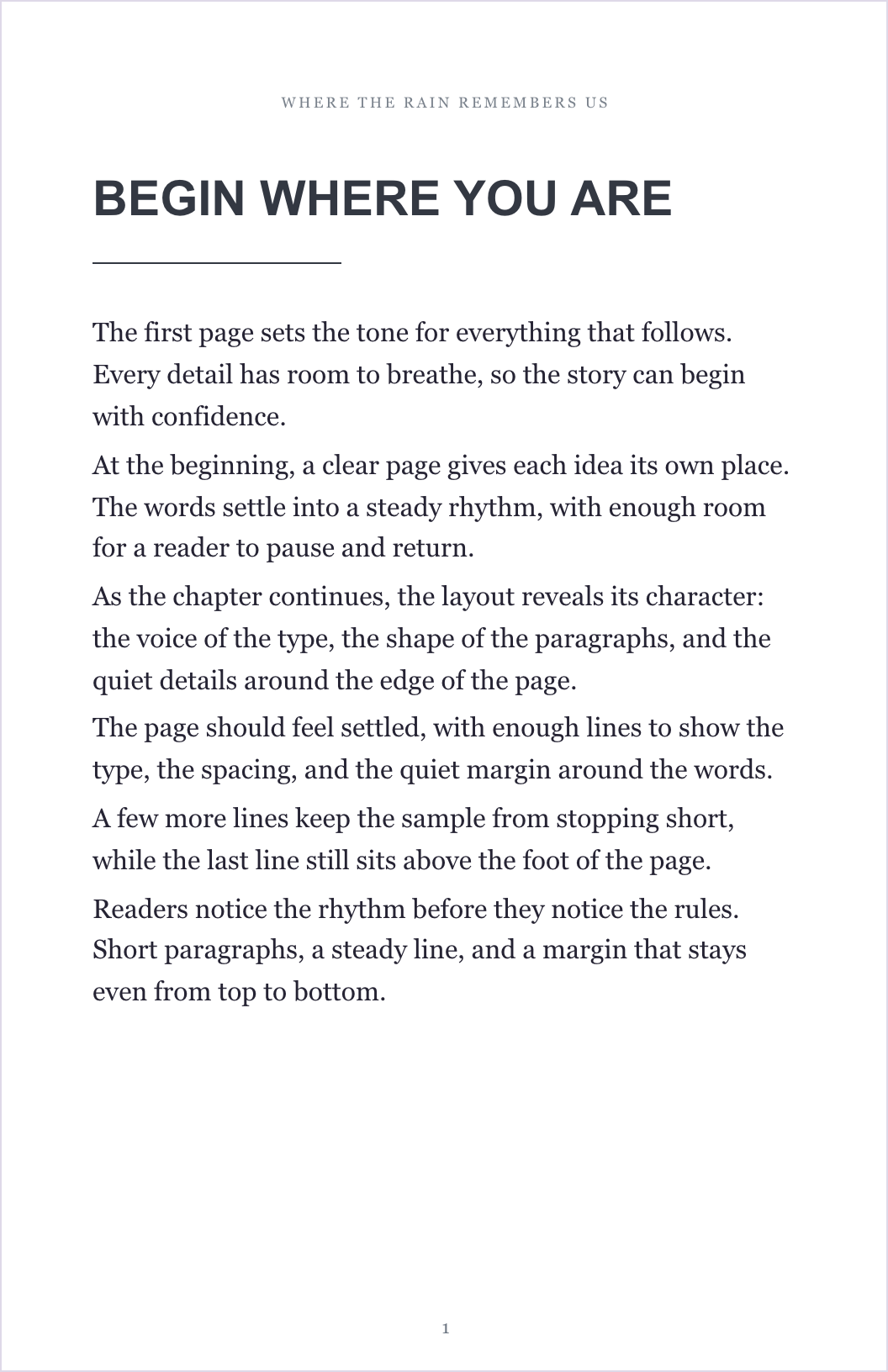
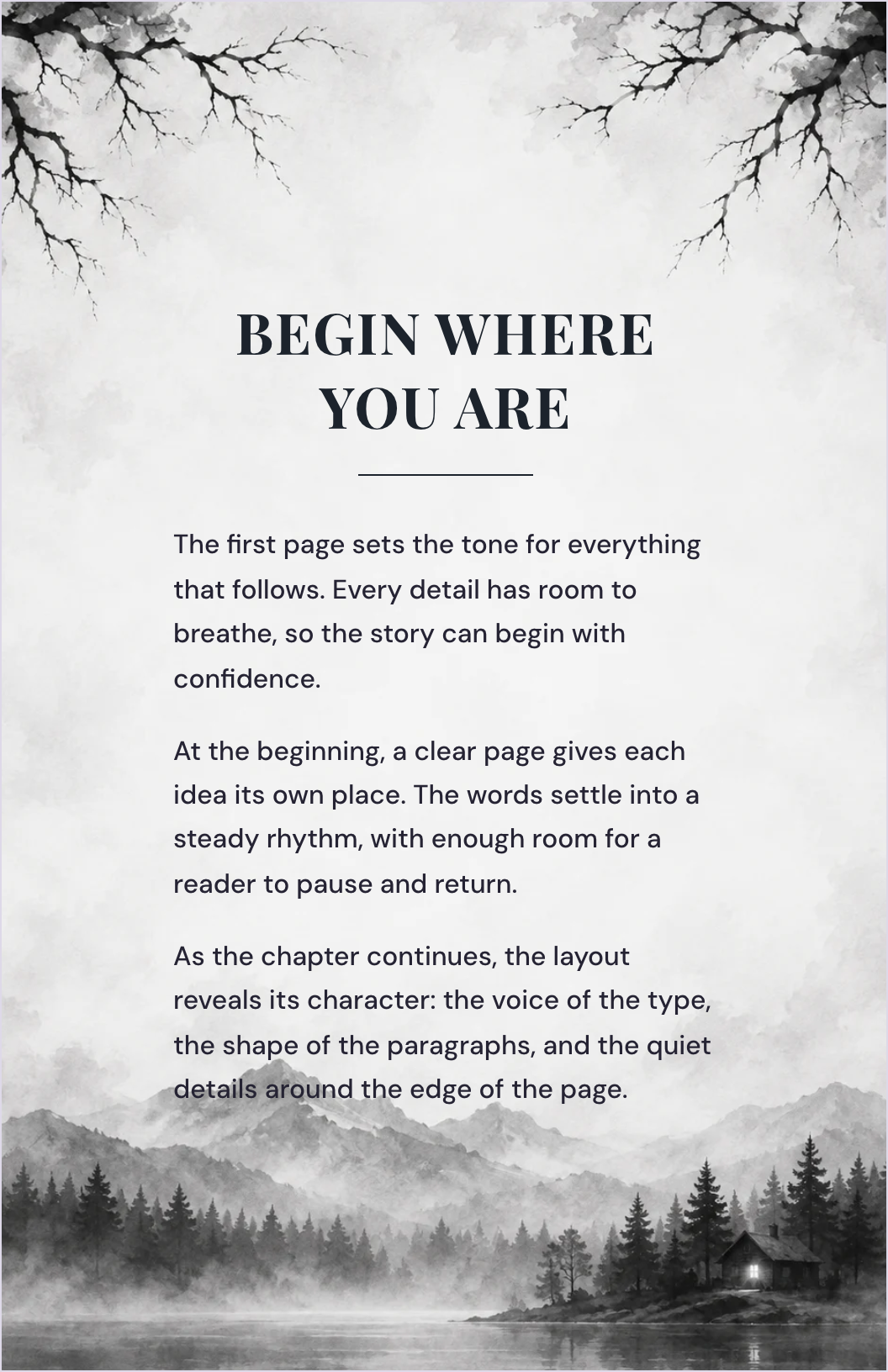
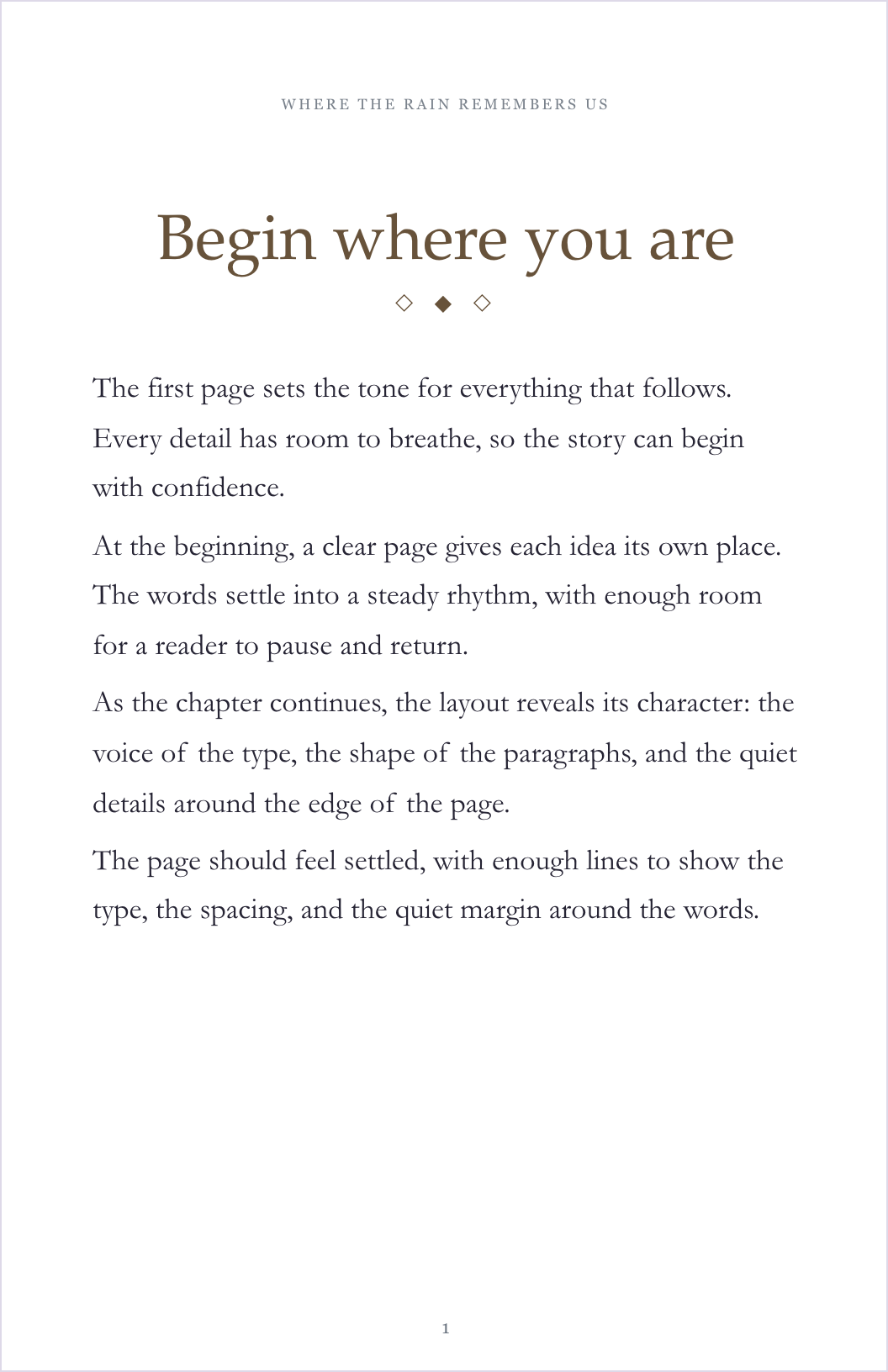
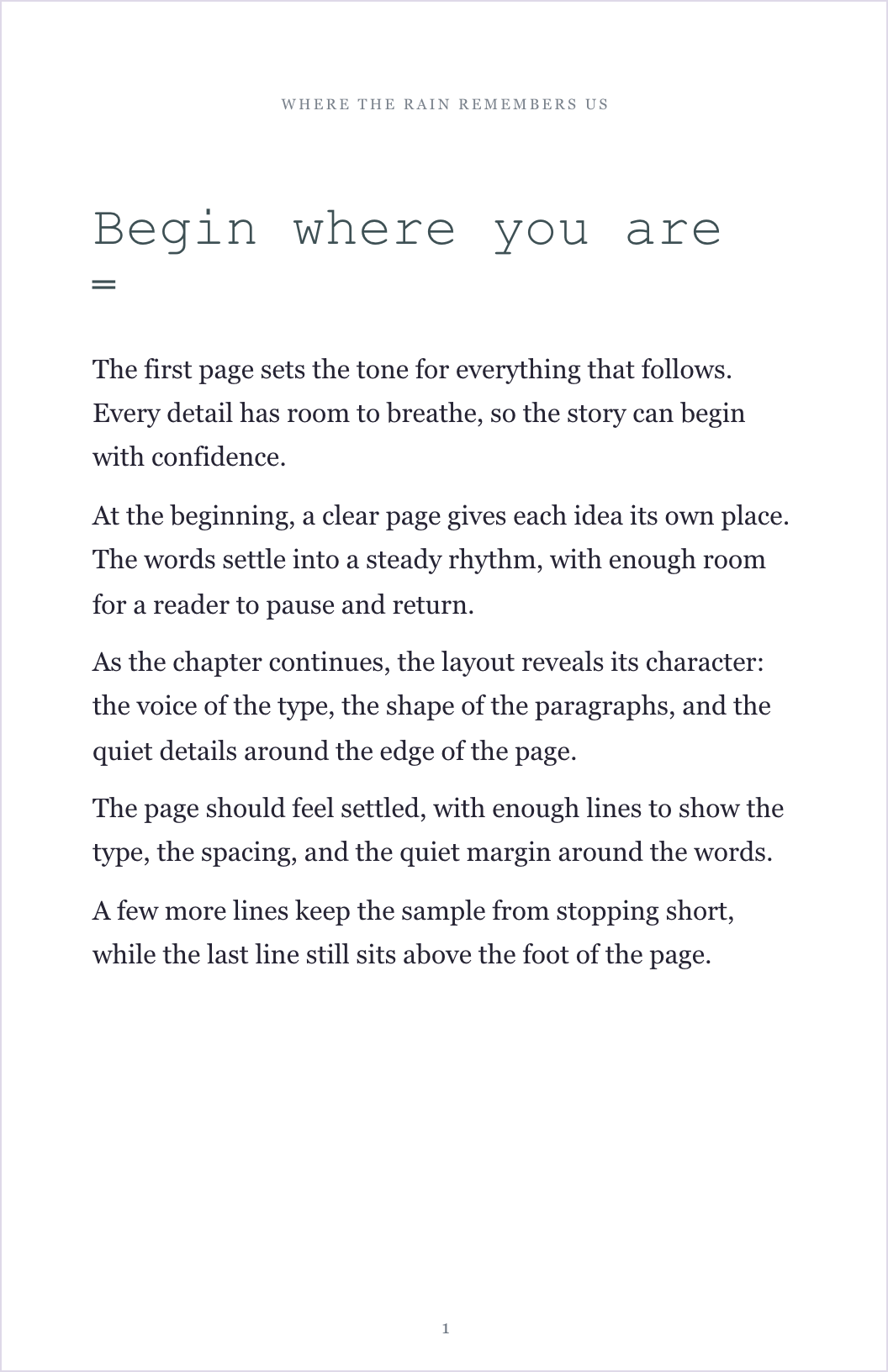
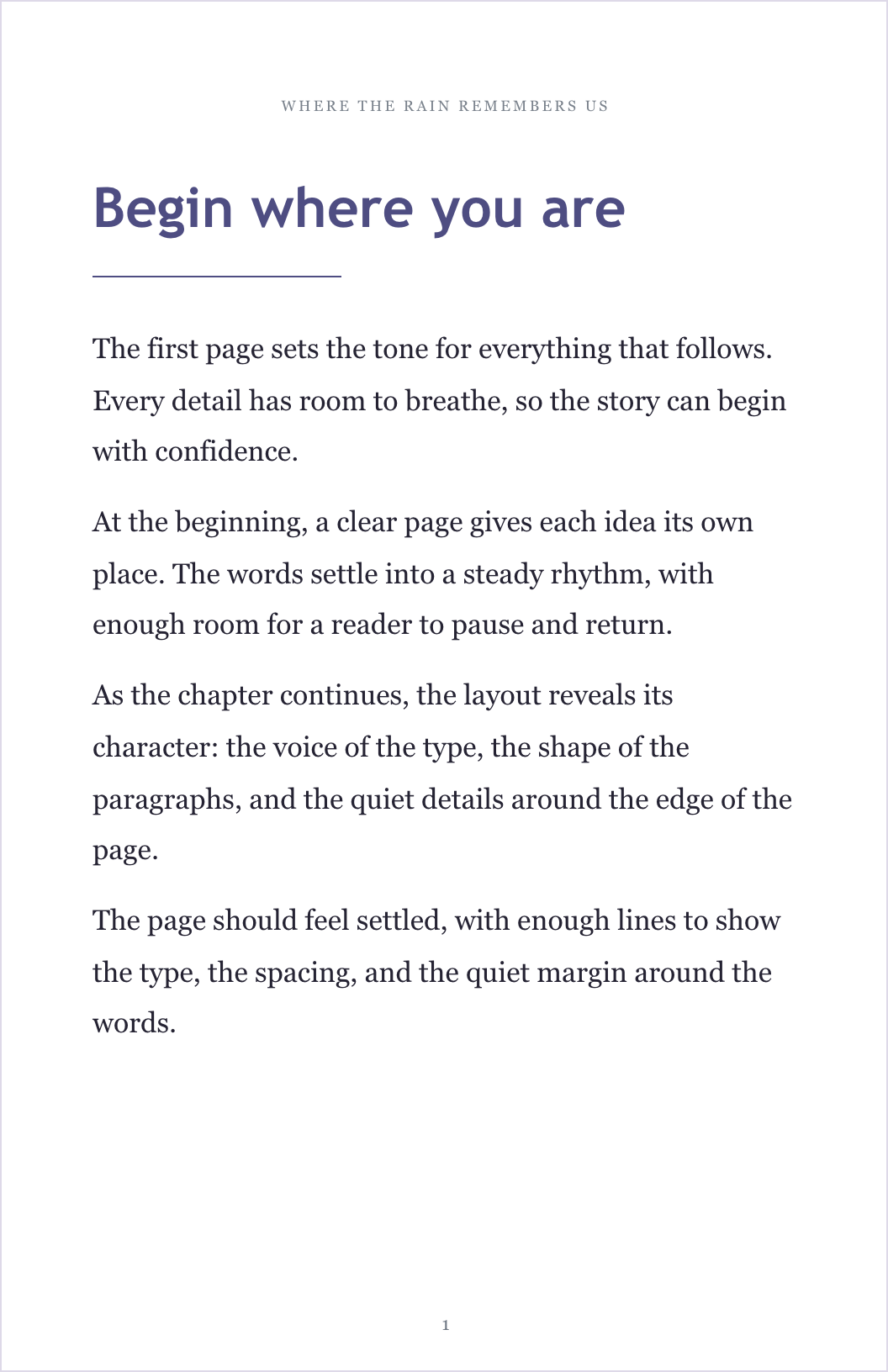
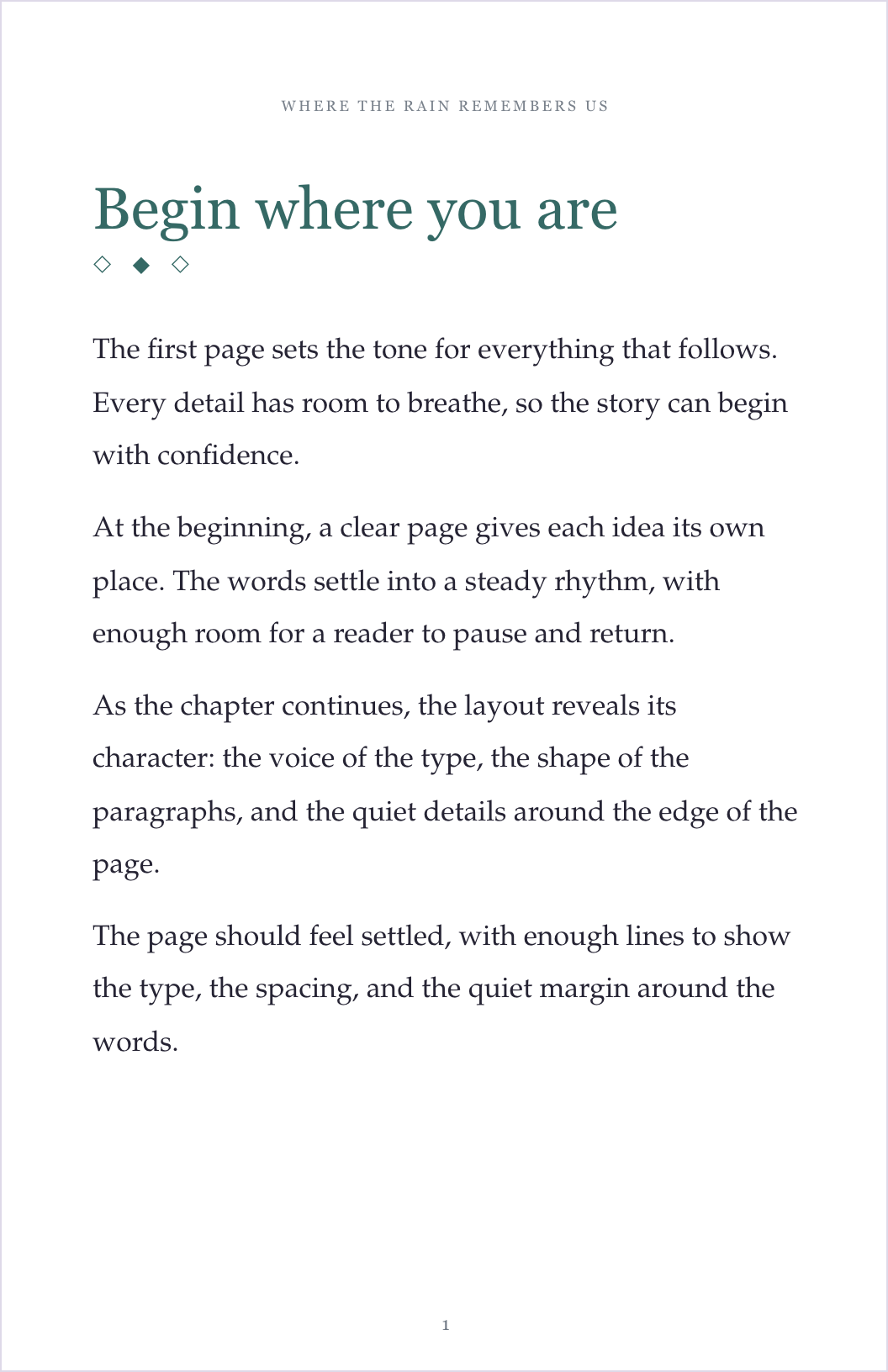
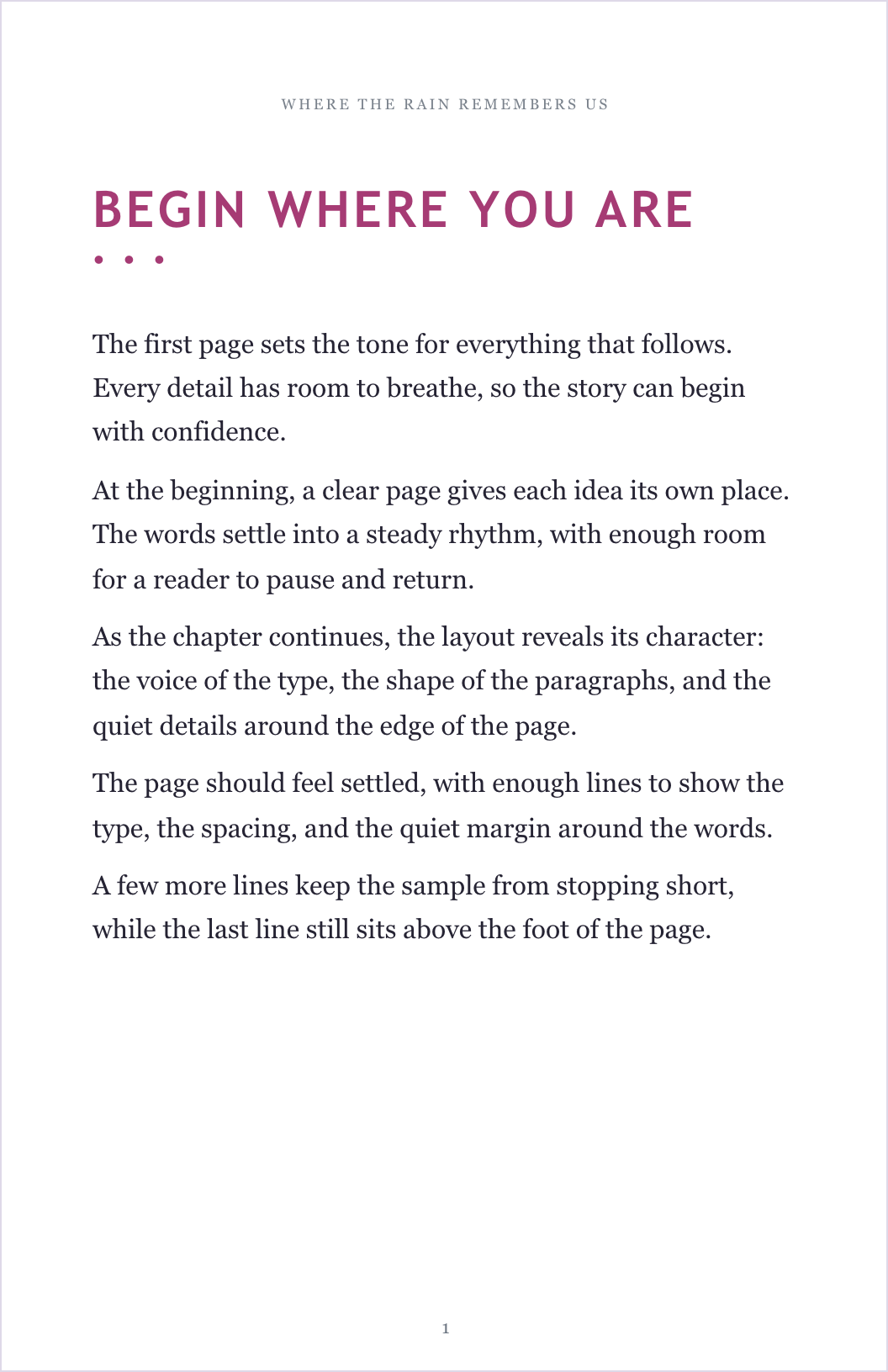
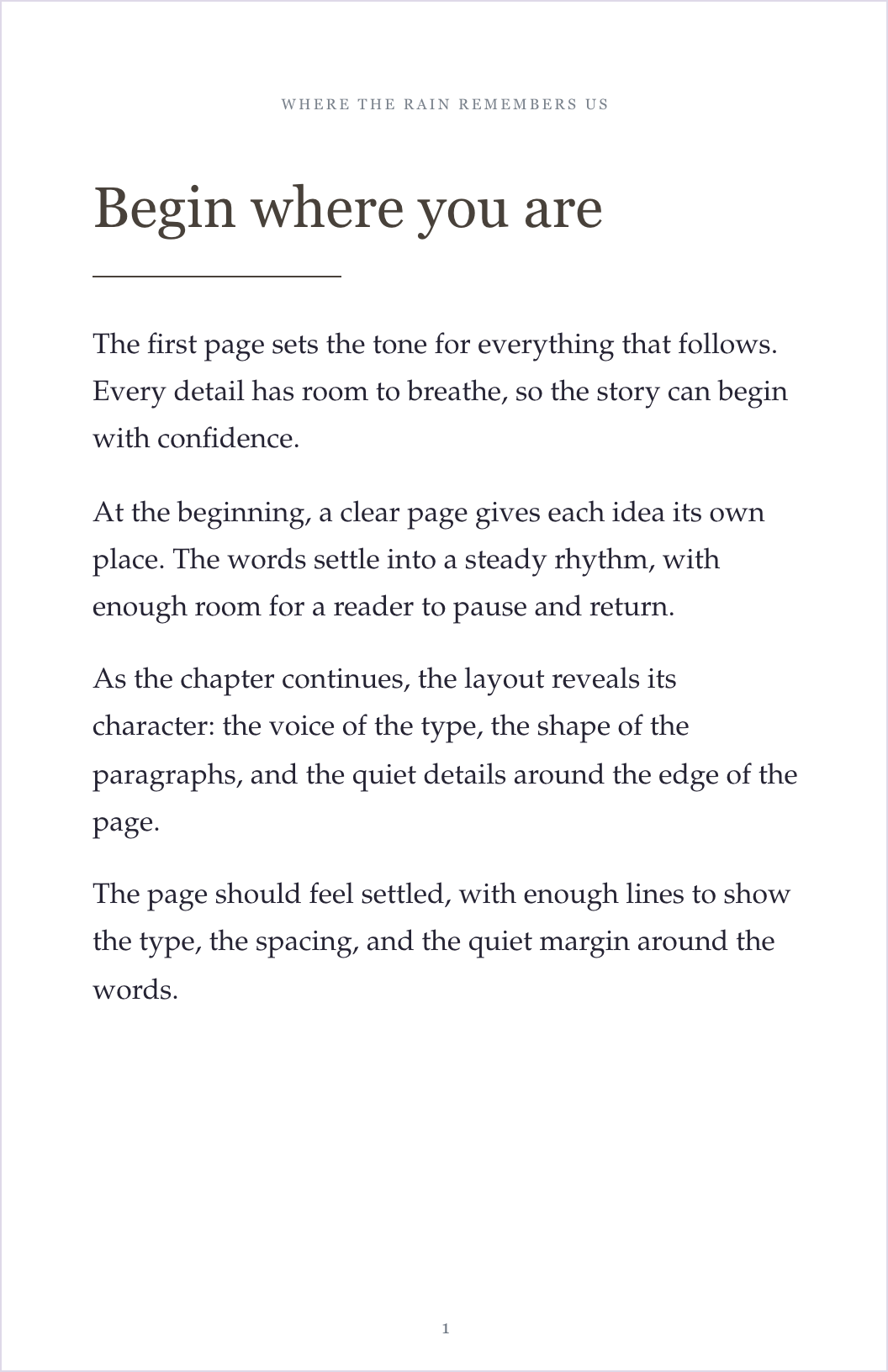
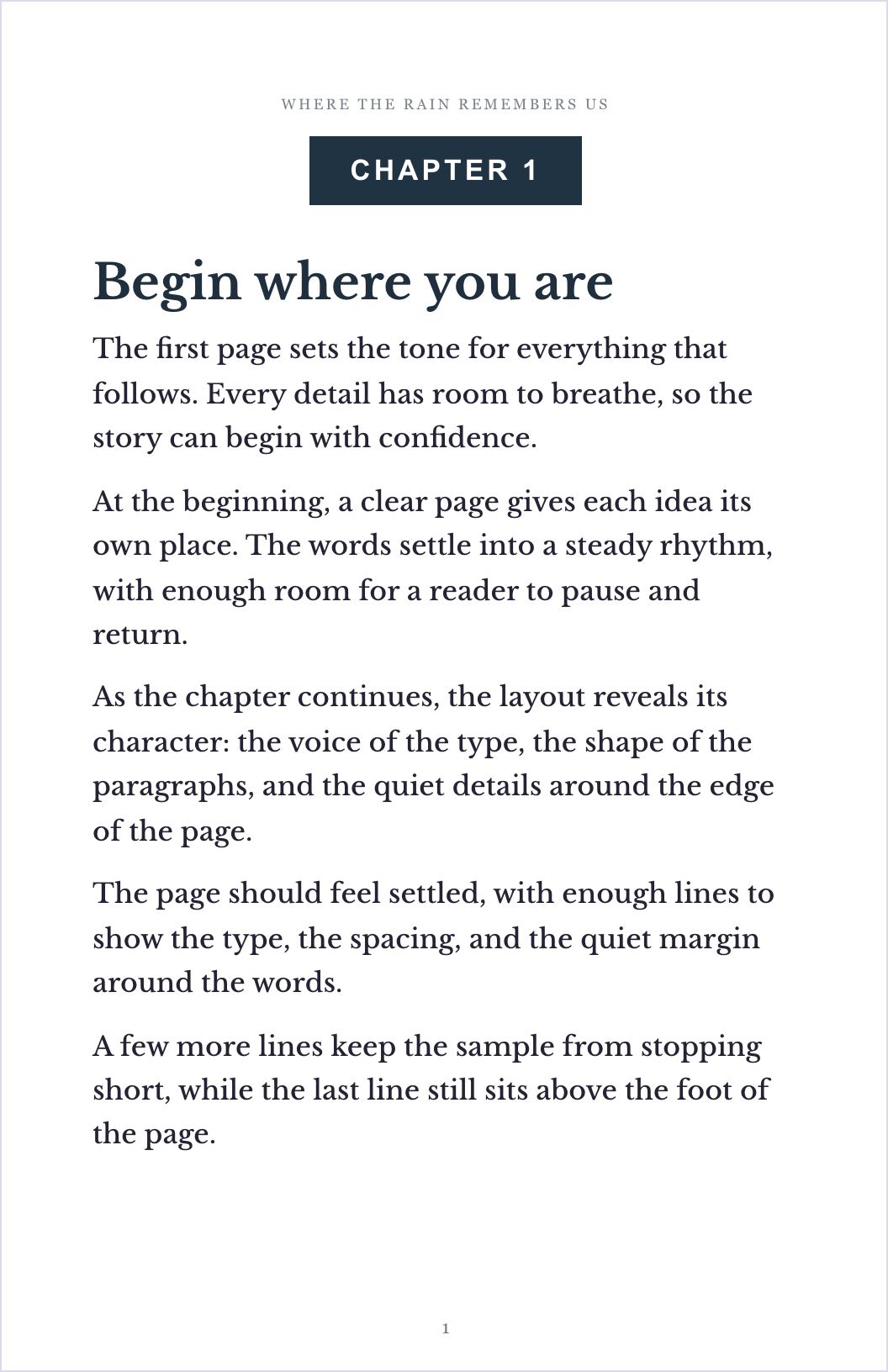
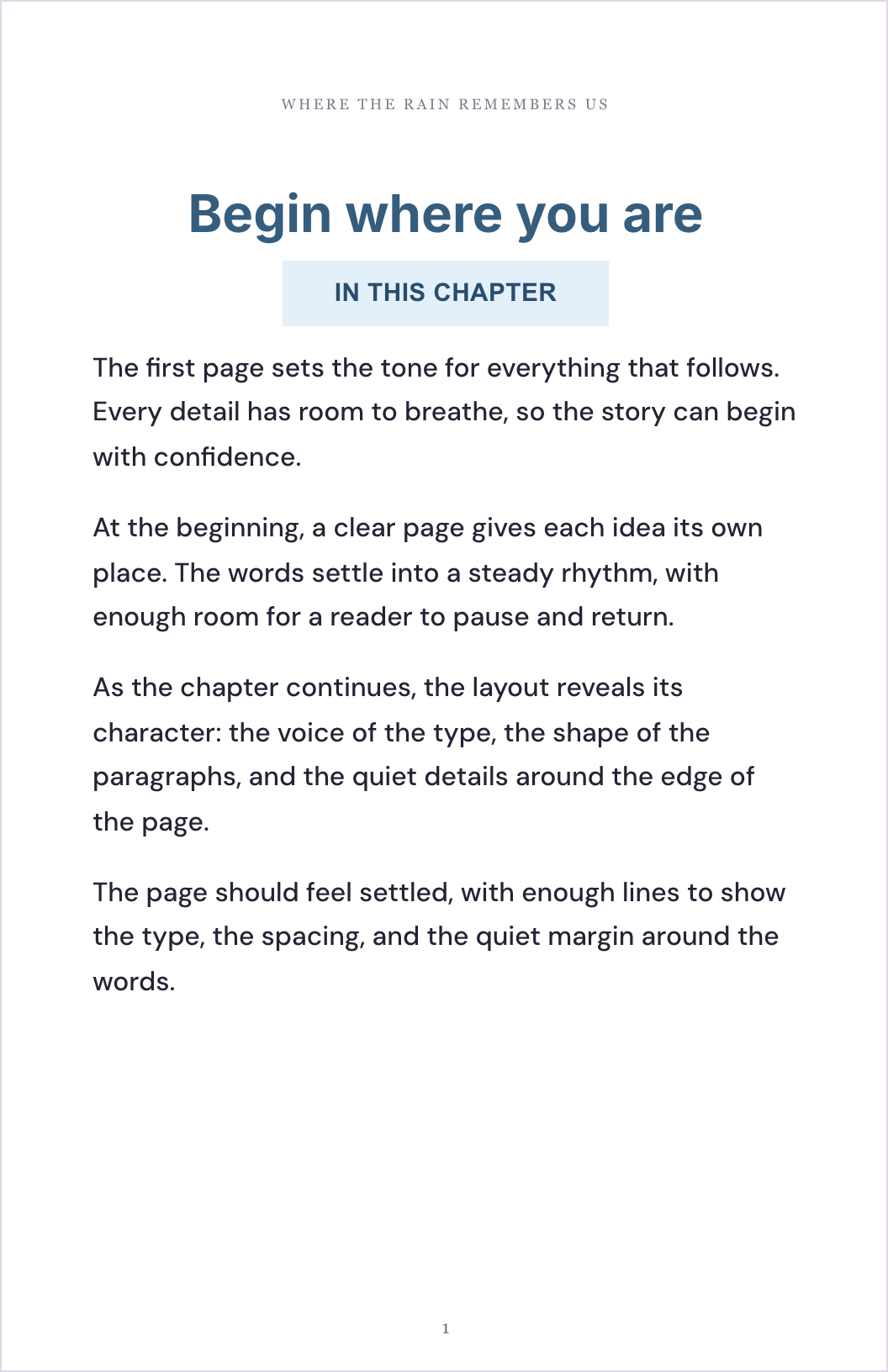
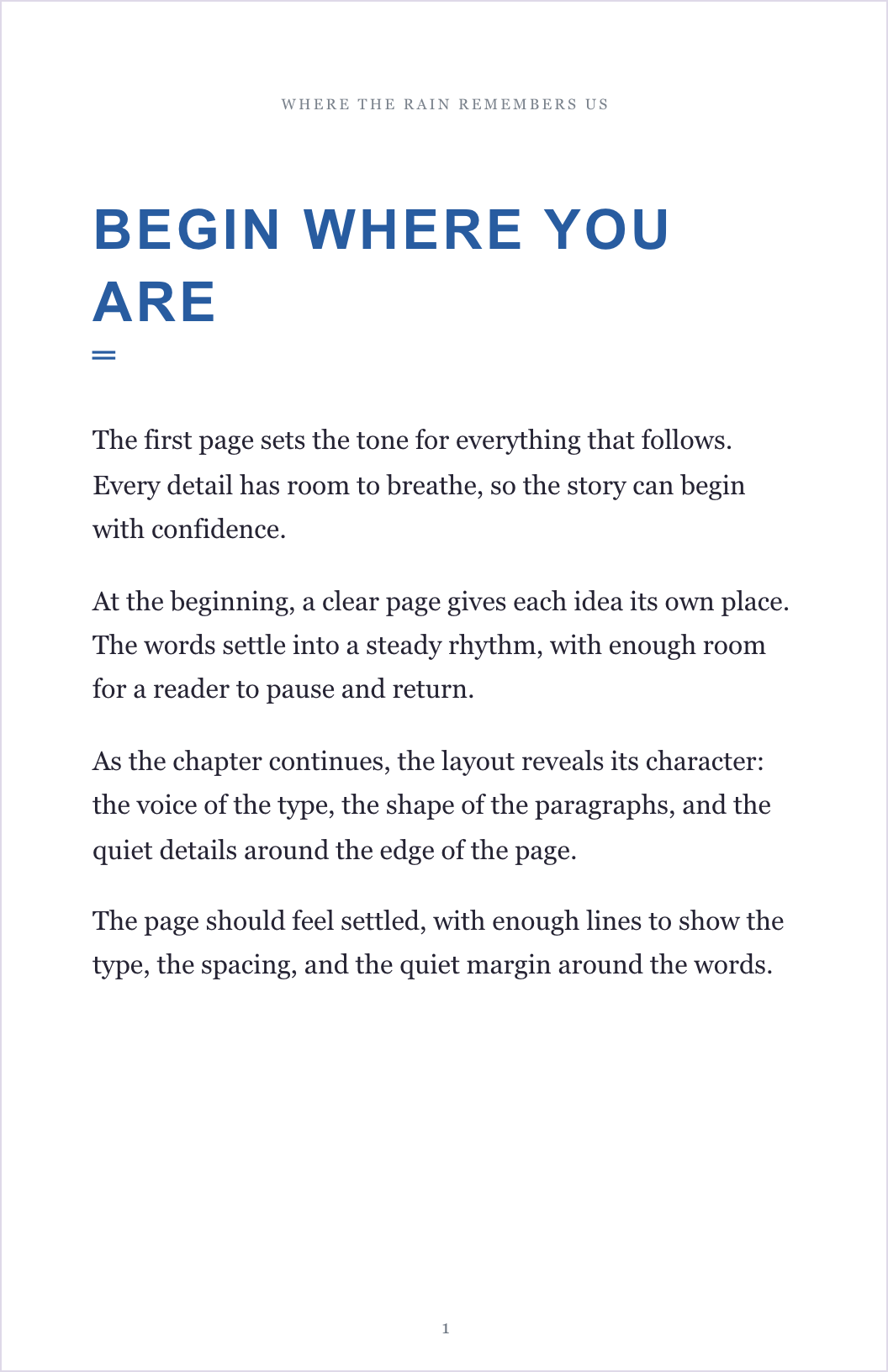
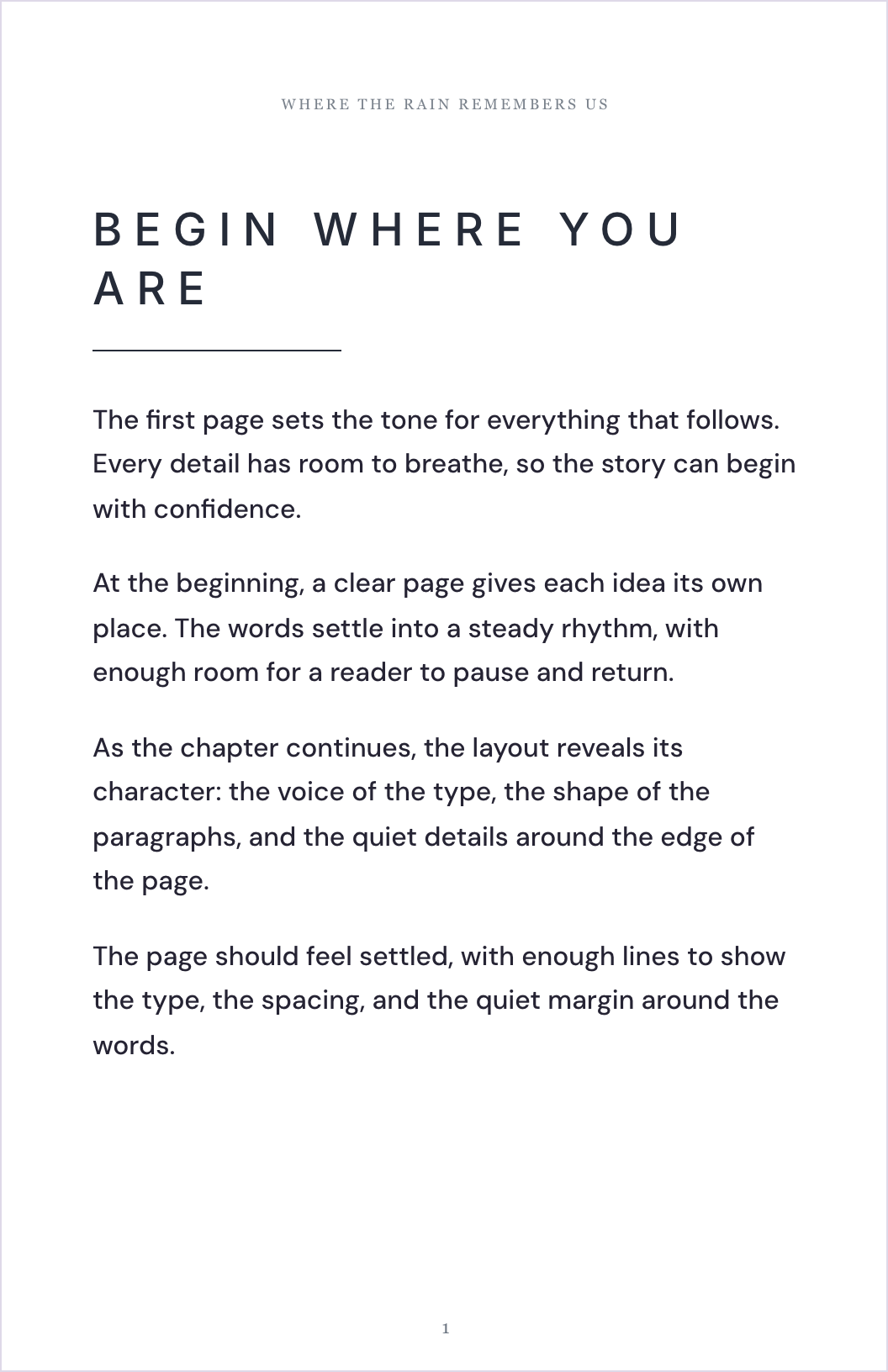
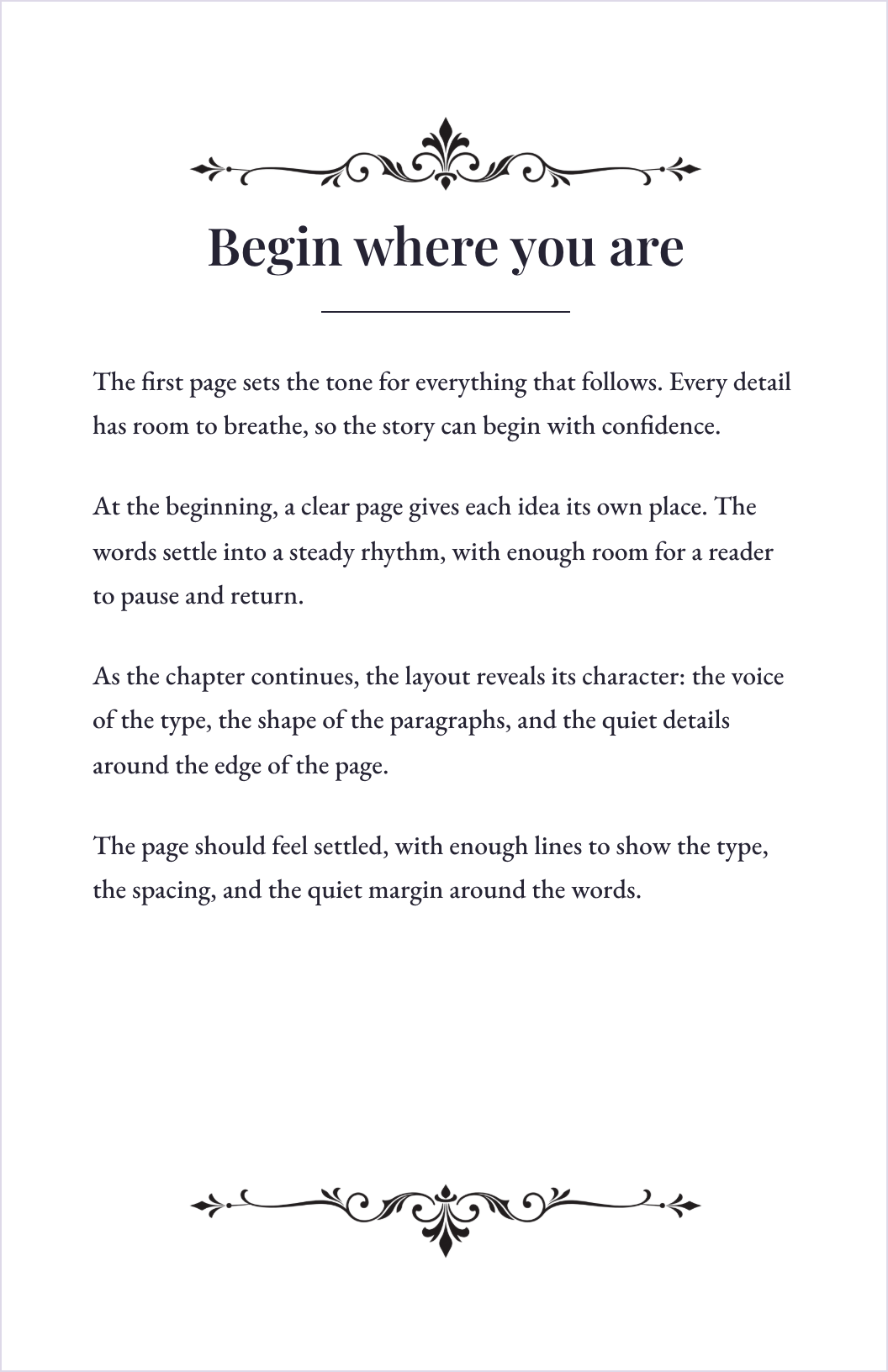
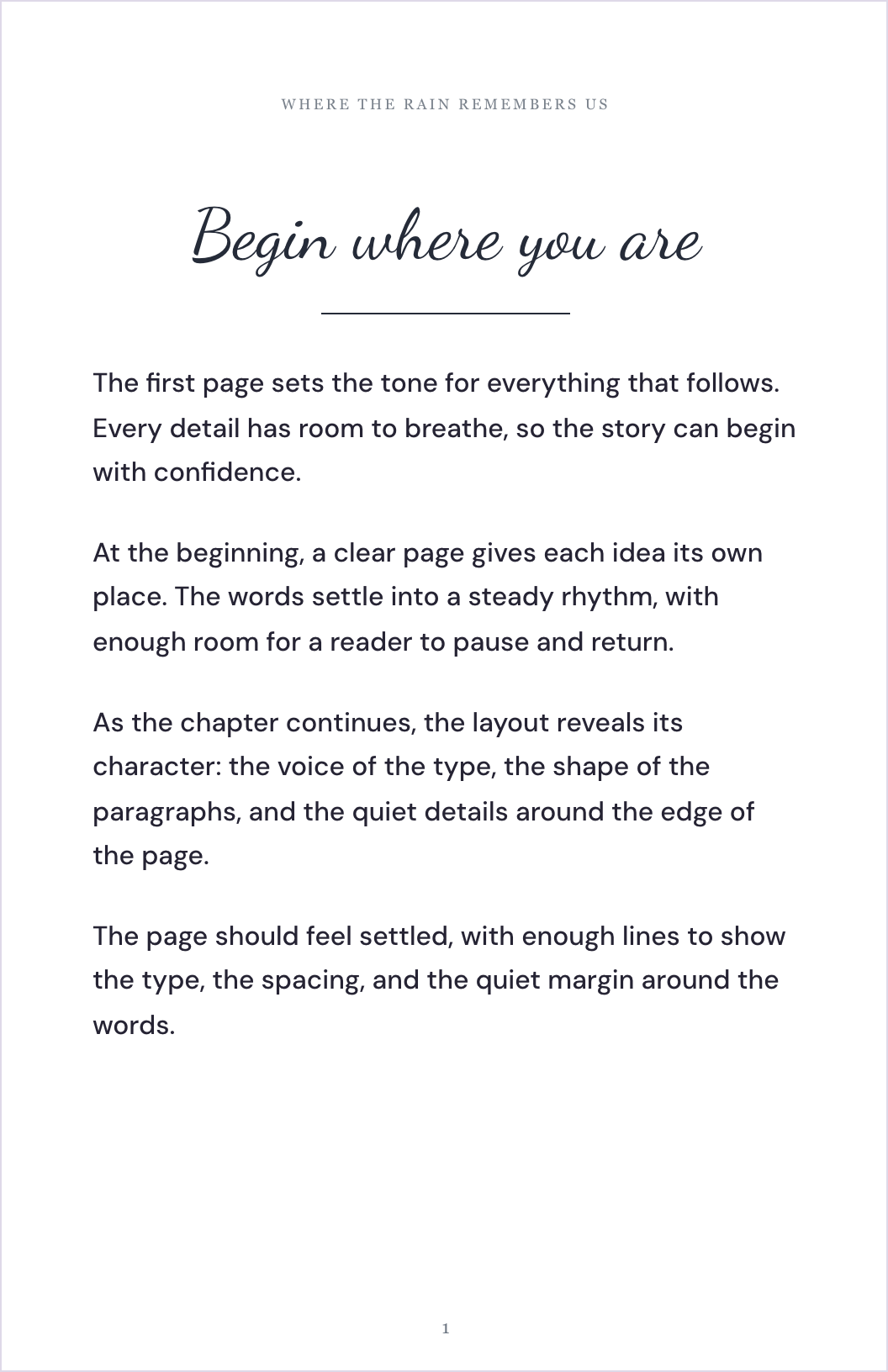
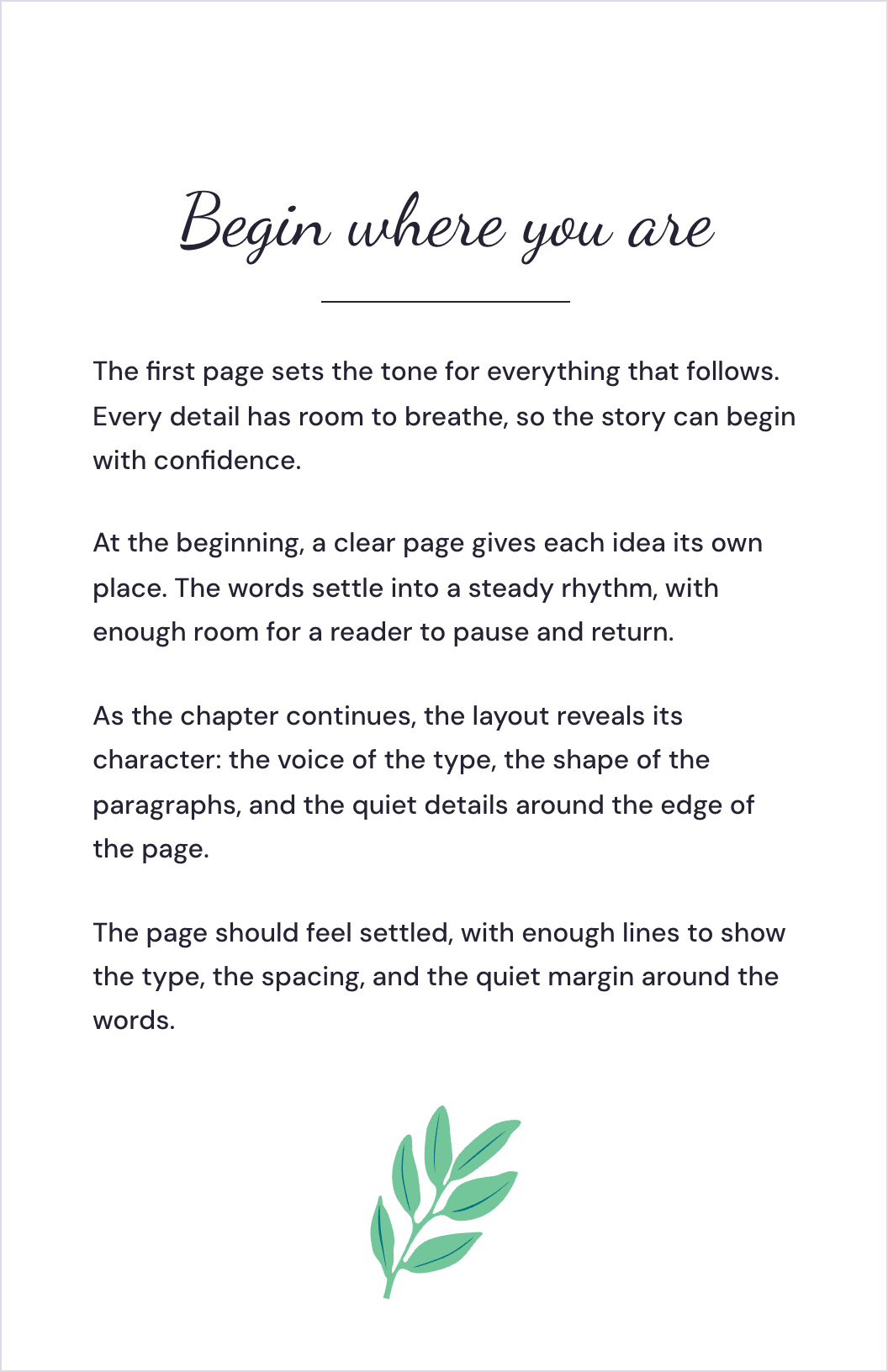
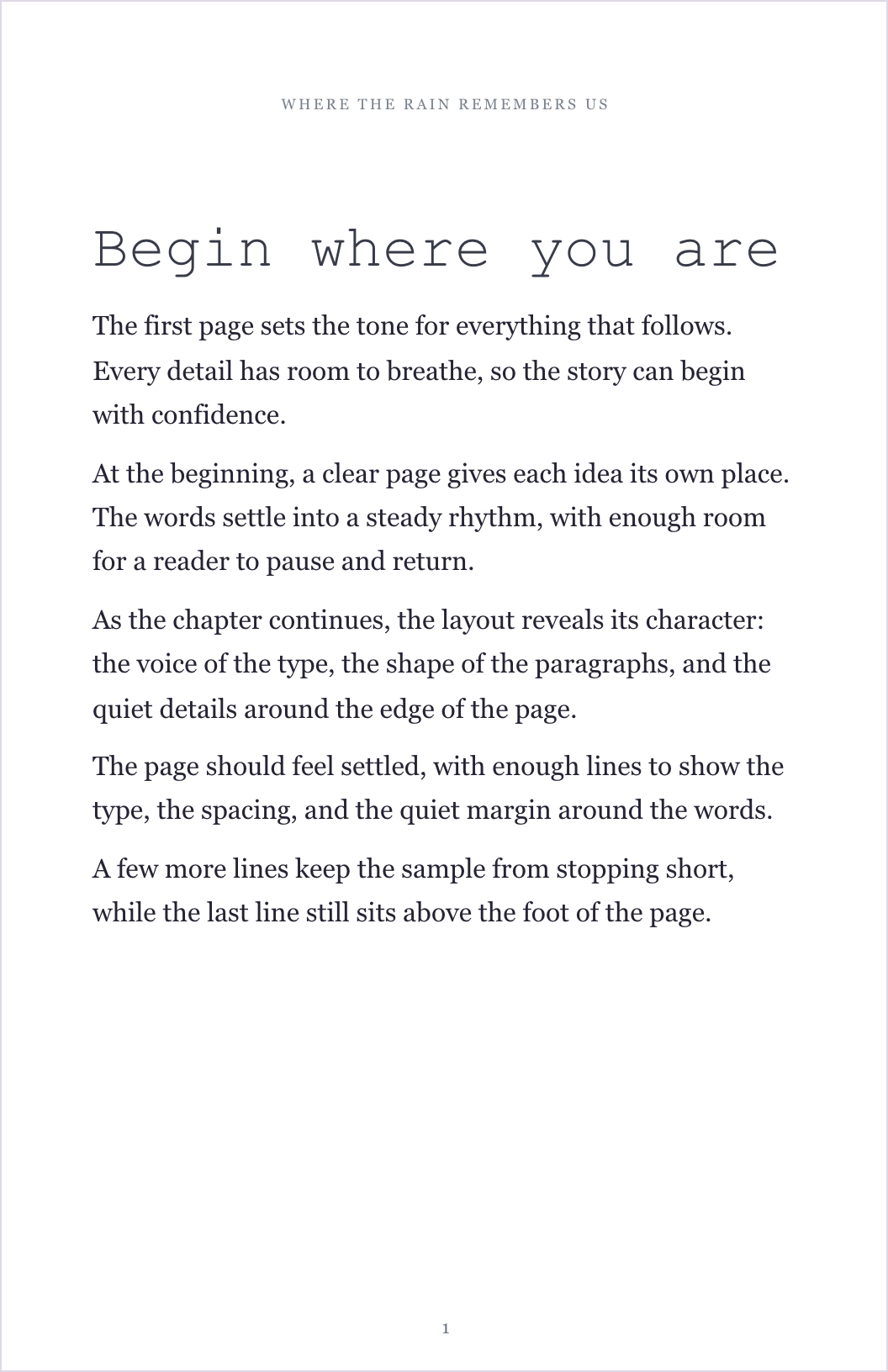
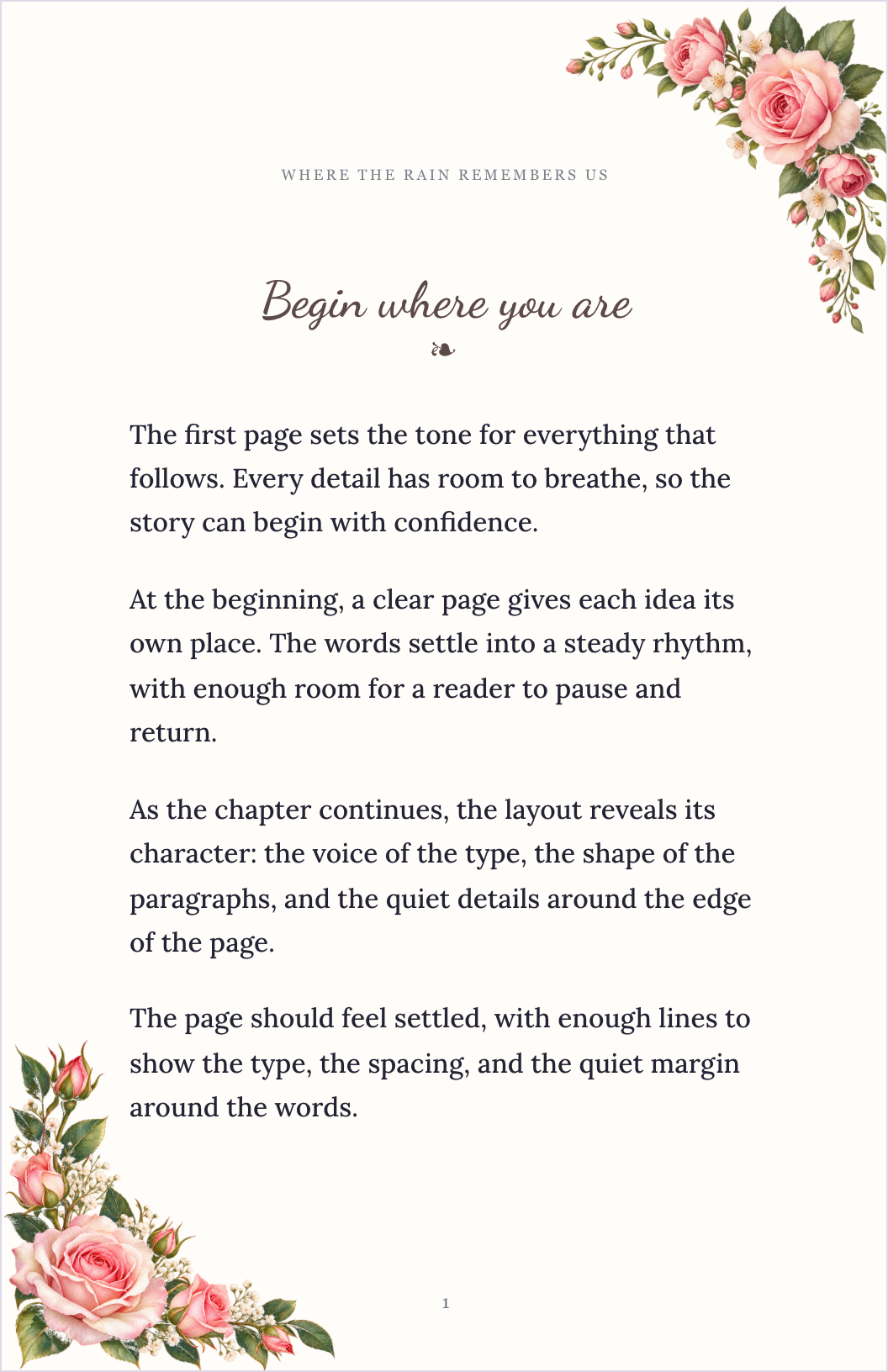
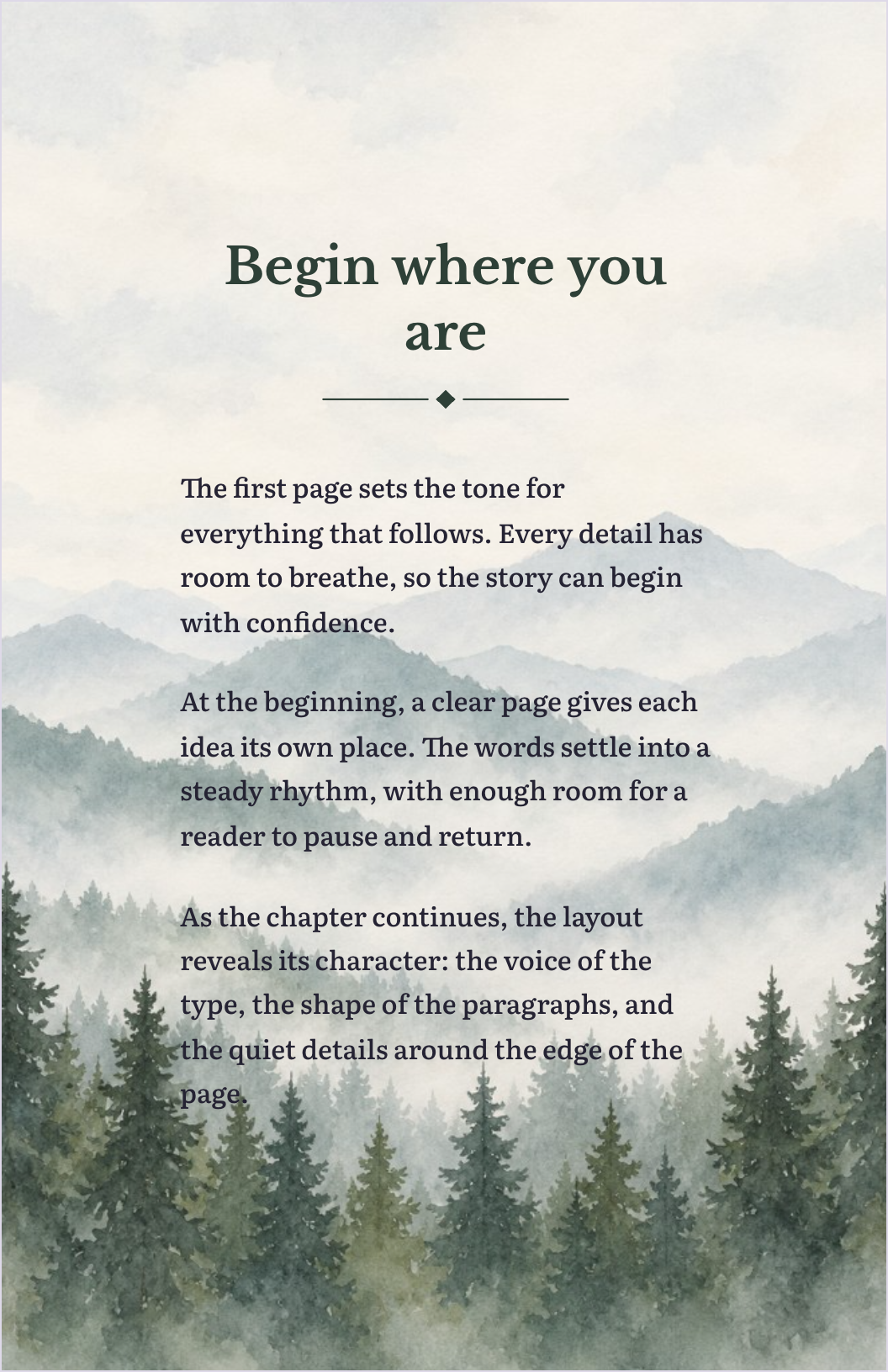
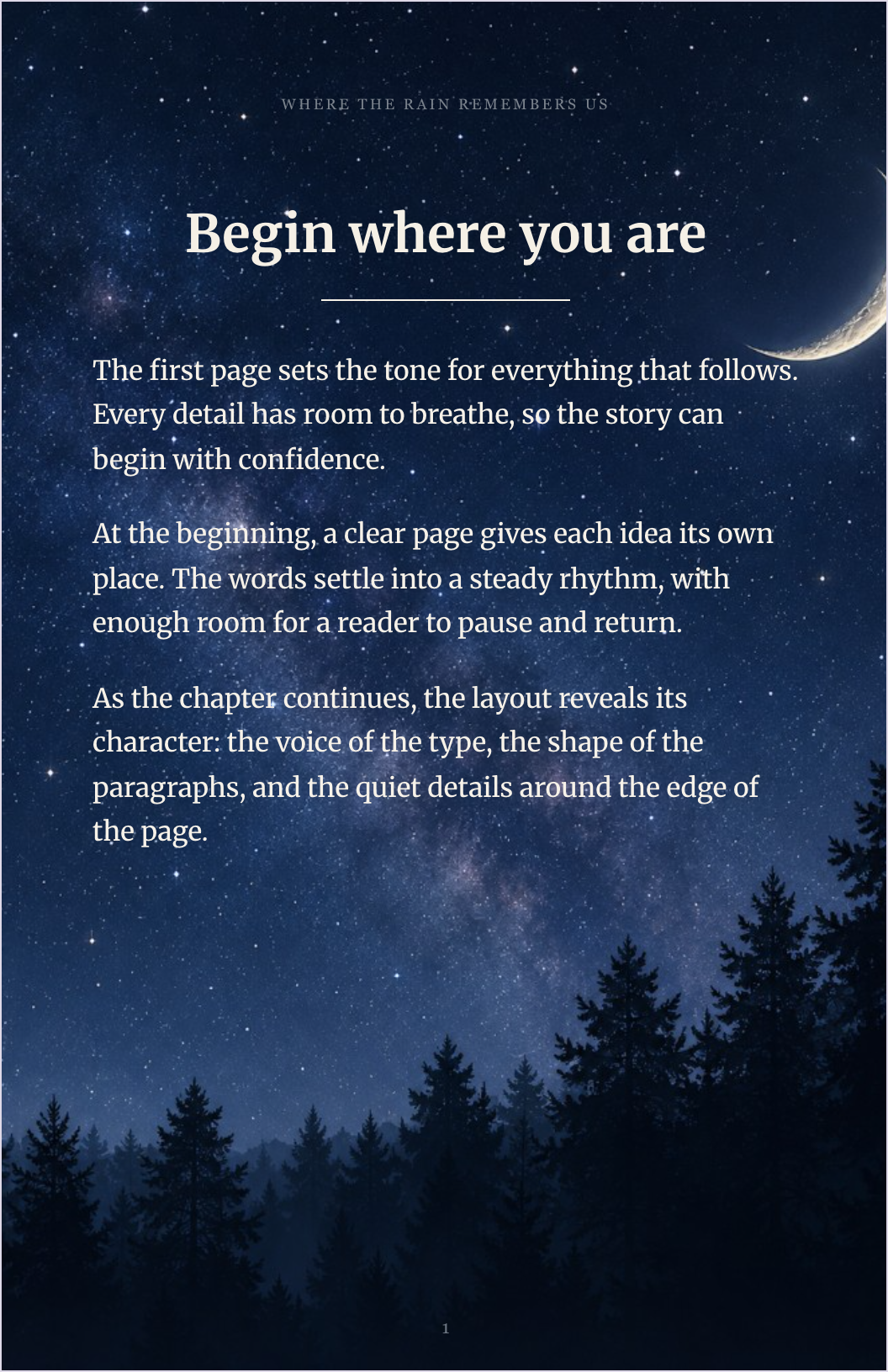
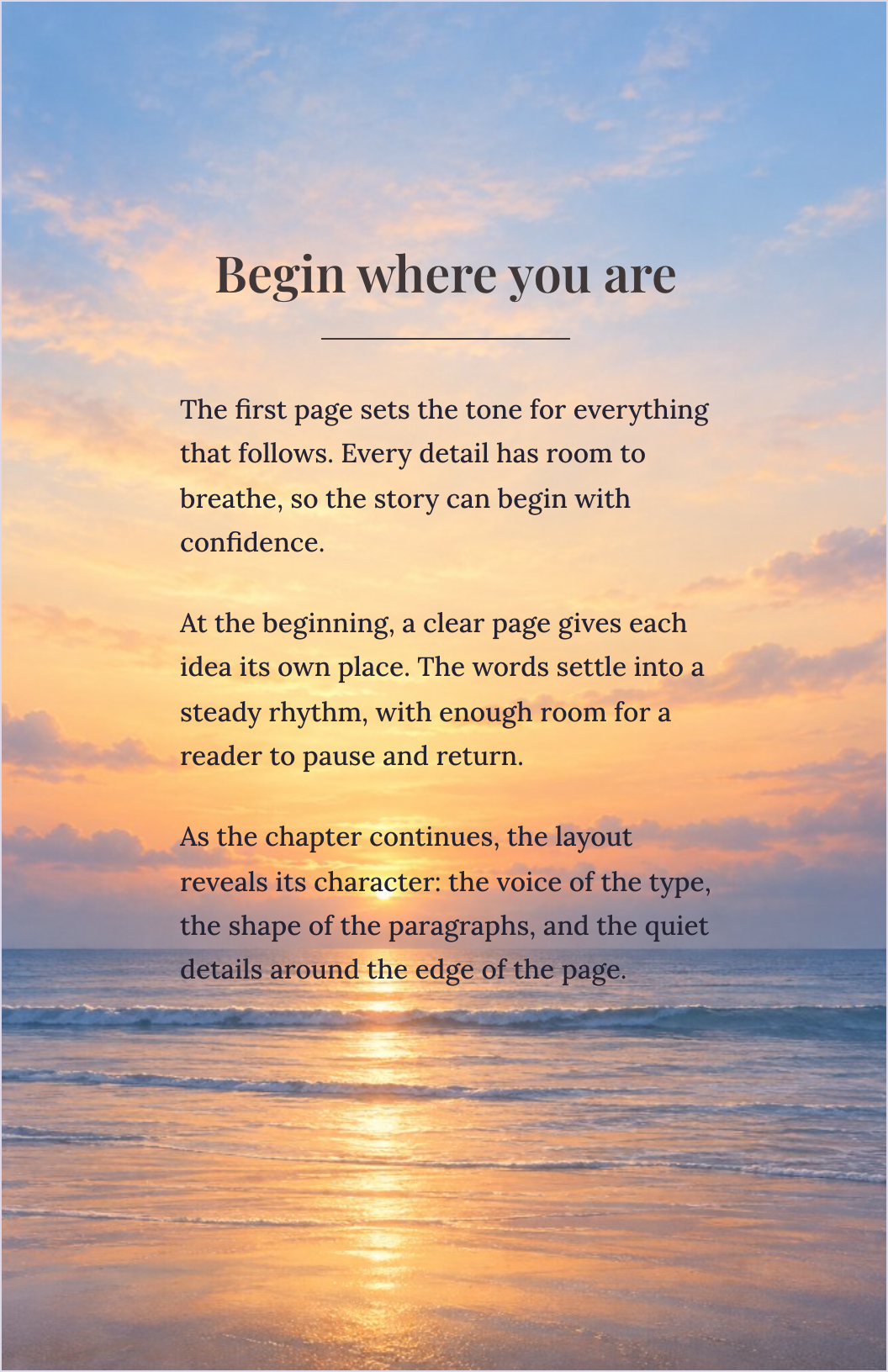
Keep your manuscript organized and your attention on the words. Then give your book a consistent style without formatting every paragraph by hand.
Add sections. Find your place. Keep moving.
Click screenshots to enlargeChoose Fiction & Nonfiction Studio on its own, or include it in a bundle.
A dedicated space to draft and revise your chapters.
Keep front matter, chapters, and back matter together.
Start with a genre-inspired design and make it yours.
Adjust fonts, headings, paragraph styles, and spacing.
See how your manuscript looks as book pages.
Reopen a guided tour when you need a reminder.
Launch purchase details—including access terms, export formats, and support terms—will be confirmed before checkout opens.
Novels, memoirs, biographies, self-help, business books, and how-to guides. The focus is high-content books built around a manuscript.
Bring a draft or begin with your first chapter. Organize the book, then explore typography and editable styles.
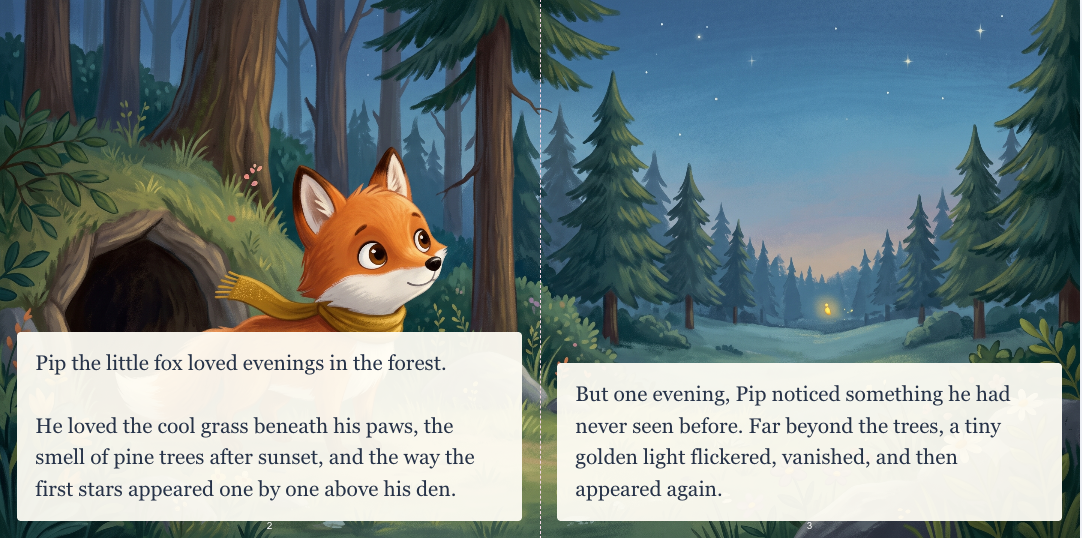
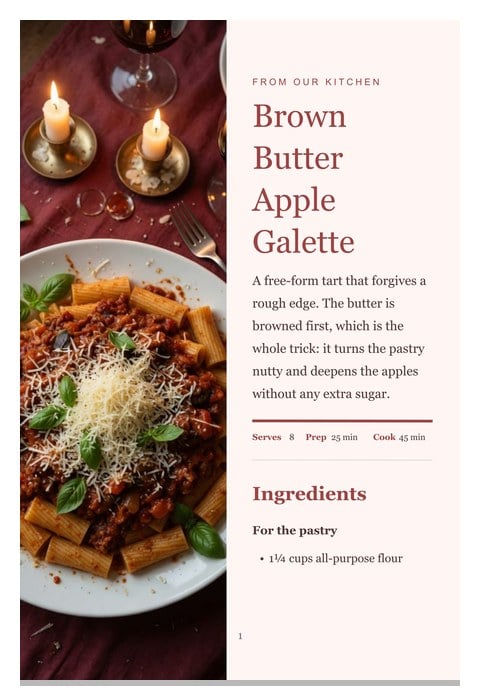
For illustrated two-page stories, explore Children’s Book Studio. For recipe collections, explore Cookbook Studio.
One-time launch pricing in USD. Crossed-out prices show the planned prices after launch.
Your dedicated writing and formatting workspace.
Fiction & Nonfiction Studio plus your choice below.
Every book type. More room for your next idea.
One-time launch pricing in USD. Existing SPT customers: check your current bundle eligibility before purchasing.
Both. The chapter-based workspace suits novels, memoirs, guides, and other text-led books. You choose the structure and style that fit your content.
Start with book-wide style controls for a consistent look. You can then make specific changes where needed. Review the finished pages before publishing.
Yes. Keep front matter, chapters, and back matter together in the manuscript navigation.
No. It helps you write and format your work. Editing, fact-checking, and a final proofread remain part of making a finished book.
Yes. This studio is $75 one-time. Choose a two-studio bundle for $125 or all three for $175. Prices are in USD.
Yes. Choose a studio or bundle and continue to secure checkout.
No. You will still need to review your finished file and submit it to your chosen publishing service. Confirm export compatibility and your publisher’s requirements before purchasing.
$75 on its own · $125 for two studios · $175 for all three