Log Books A+ Content Templates
Log Books Amazon A+ content templates.
- 7+Templates in this category
- 13Book categories
- EditableText, colors, and artwork
- KDPBuilt for Amazon publishers
Choose a template
Open a category or select a design to see its workflow, best uses, checks, and customization guidance.
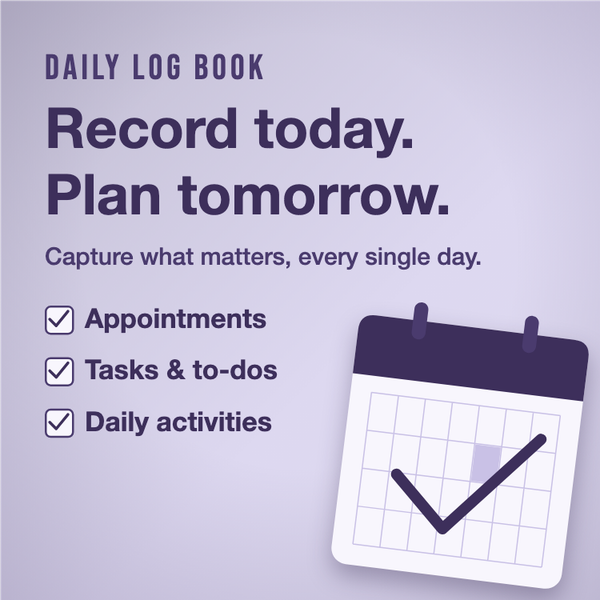
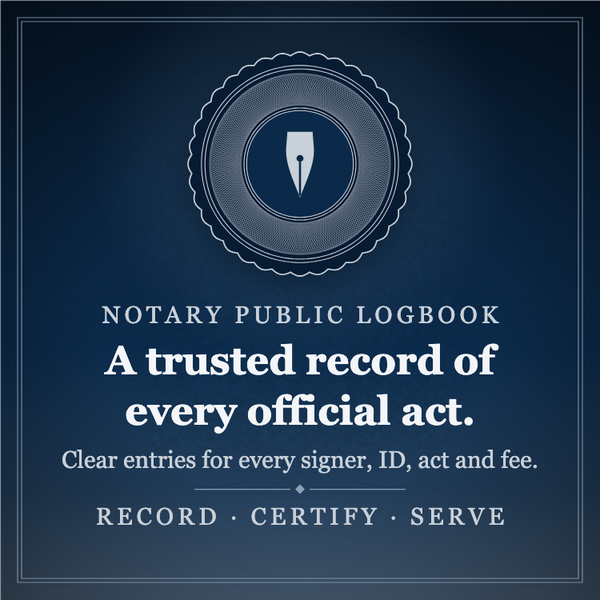
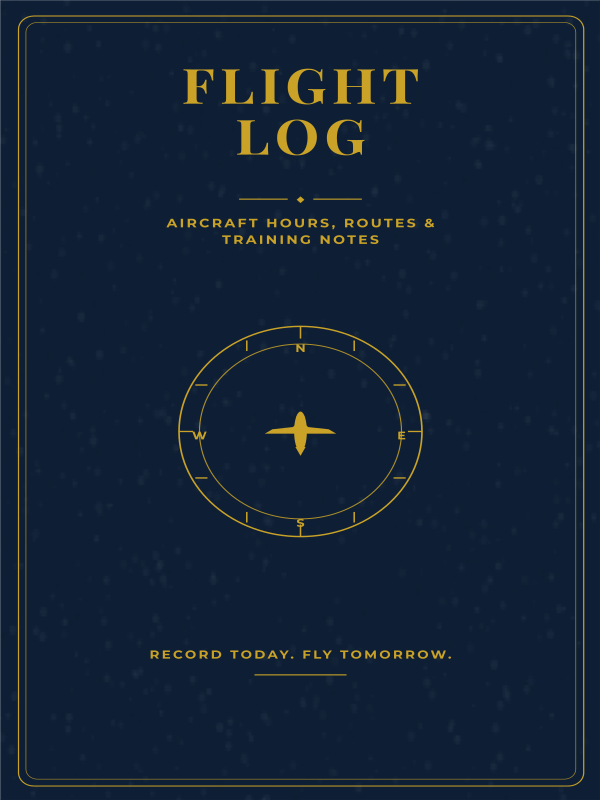
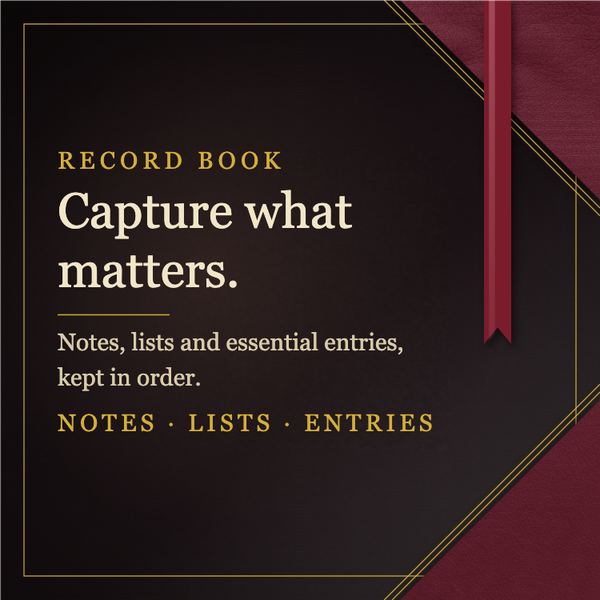
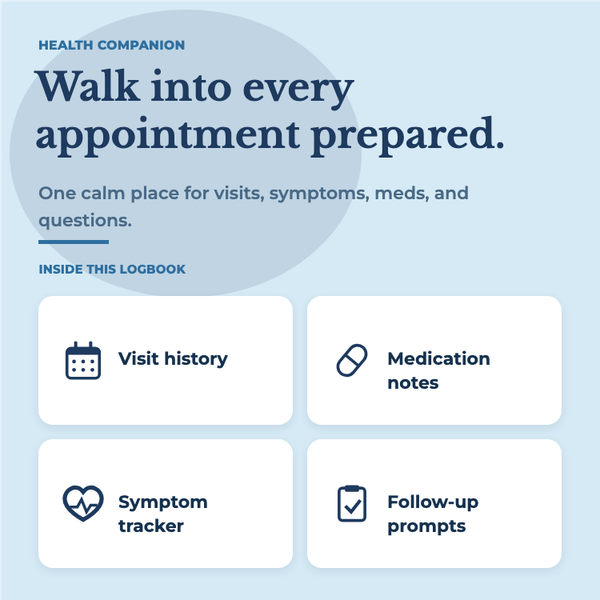
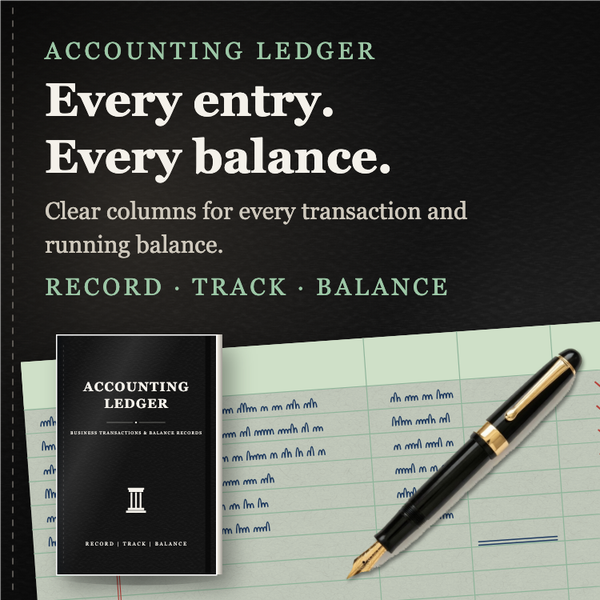
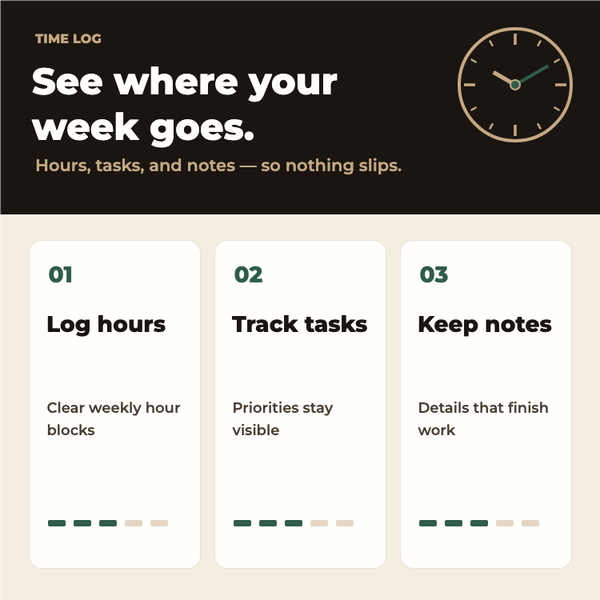
How to use these A+ content templates
- 1
Choose a matching layout
Pick an A+ design that supports the book's genre and the message you want the product page to communicate.
- 2
Customize both modules
Edit the square and banner layouts with your own copy, product imagery, colors, and feature callouts.
- 3
Check the listing story
Make sure each module adds useful information instead of repeating the cover or book description.
- 4
Export for Amazon
Download the finished assets, review the text at full size, and upload them through your Amazon author or publisher workflow.
What Log Books templates are useful for
- Present the benefits and visual identity of a log books title on its Amazon detail page.
- Create coordinated square and banner assets that support the product description.
- Build a reusable visual system for a related series without repeating generic copy.
Amazon A+ Content Templates FAQs
How do I customize a A+ content template?
Choose a design, open it in A+ Content Designer, replace the sample copy and imagery, then review the finished asset before export or upload.
Can I use A+ content without checking Amazon requirements?
No. Amazon controls A+ eligibility and review. Keep claims accurate, ensure text is readable, and check the current requirements before submission.
Can I use one A+ content template more than once?
You can reuse the workflow, but customize the finished design for the specific book so its copy, imagery, and positioning remain accurate.
Review checklist before you export
- Replace all sample copy and imagery with accurate details about your own book.
- Check the dimensions of each exported asset against the Amazon A+ module you intend to use.
- Read every text element at mobile size and avoid repeating the same message across modules.
- Check eligibility and submission requirements in your publishing account before uploading your finished assets.
Related tools and resources
Create your assets
Sources and further reading
Resources & guidance
Need help choosing a design?
Browse the full sales collection to compare styles, categories, and access options before opening the editor.
View the template collectionReady to customize your A+ content?
Choose a starting point and make it your own inside A+ Content Designer.
Open A+ Content DesignerNo design experience required · Print-ready PDF export