Mystery, Thriller, Horror, Sci-Fi & Fantasy Book Cover Templates
Mystery, Thriller, Horror, Sci-Fi & Fantasy book cover templates.
- 5+Templates in this category
- 13Book categories
- EditableText, colors, and artwork
- KDPBuilt for Amazon publishers
Choose a template
Open a category or select a design to see its workflow, best uses, checks, and customization guidance.
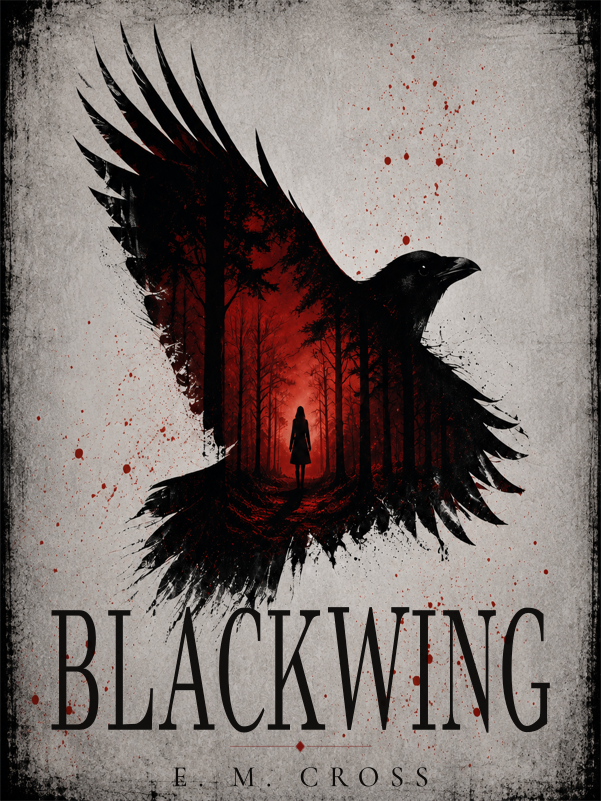
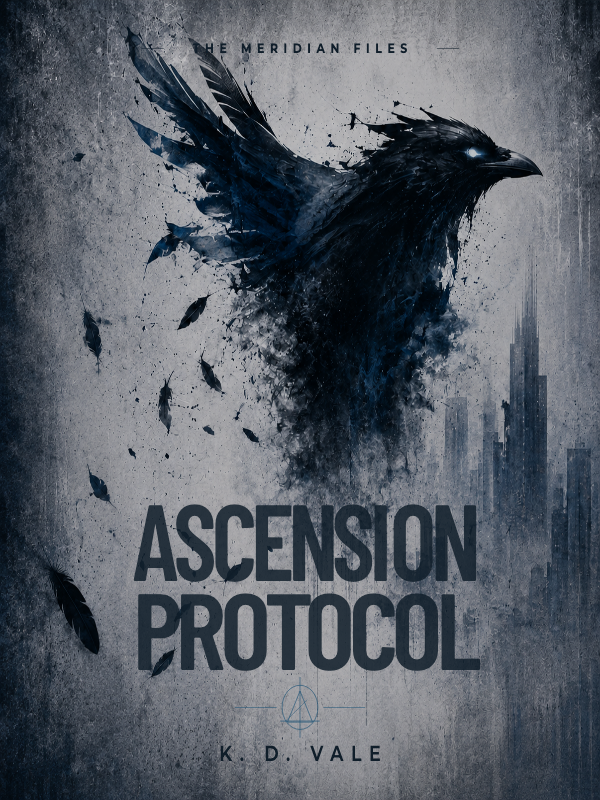
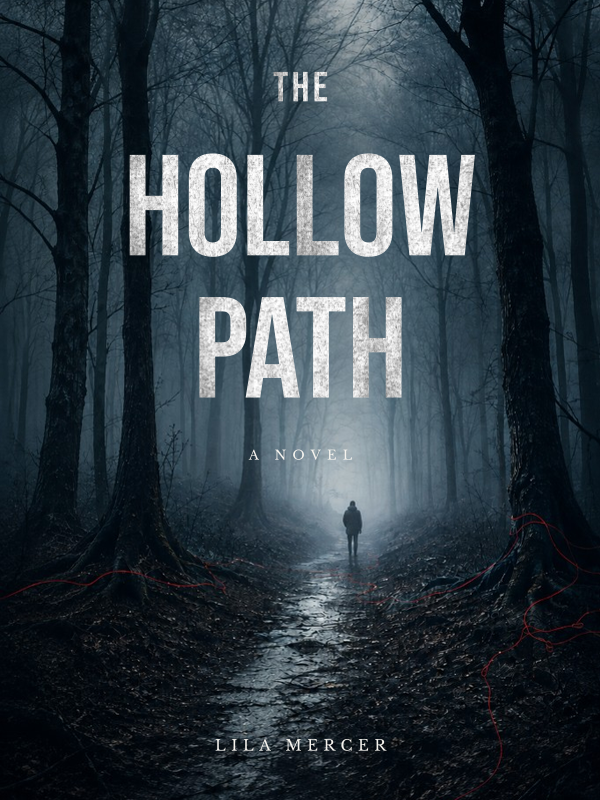
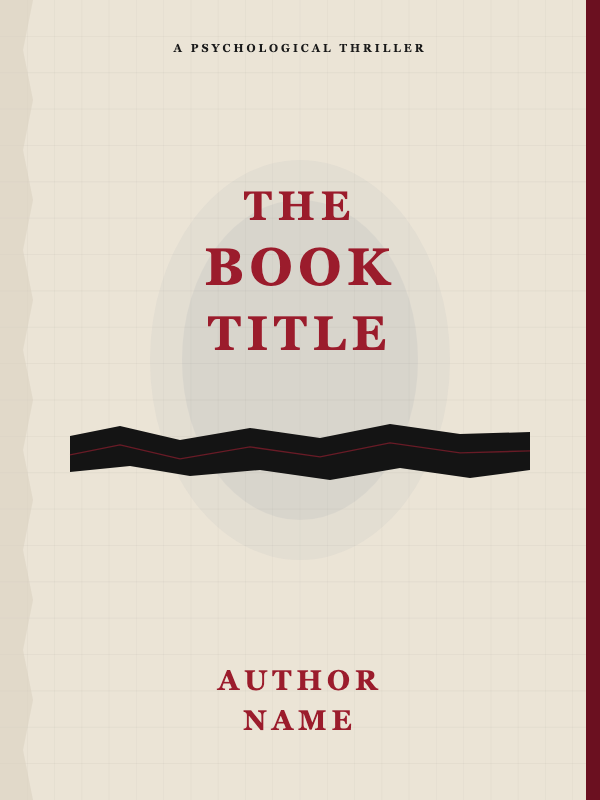
How to use these cover templates
- 1
Choose a design
Start with a template that fits your genre, audience, and visual tone.
- 2
Set the book specifications
Enter the trim size, page count, paper type, and bleed settings so the full wrap is sized correctly.
- 3
Customize every element
Replace the title, subtitle, author name, colors, artwork, back-cover copy, and barcode area.
- 4
Review and export
Check safe zones, spine readability, and image quality before exporting the finished cover.
What Mystery, Thriller, Horror, Sci-Fi & Fantasy templates are useful for
- Create a polished mystery, thriller, horror, sci-fi & fantasy cover direction before building from a blank canvas.
- Build a visually consistent cover system for a new title or series.
- Prepare a cover layout, then tailor it to the final print specifications.
Book Cover Templates FAQs
How do I customize a book cover template?
Choose a design, open it in Book Cover Creator, replace the sample copy and imagery, then review the finished asset before export or upload.
Do I need final print specifications before exporting?
Yes. Confirm trim size, page count, paper type, bleed, safe areas, and spine width before exporting a print cover.
Can I use one book cover template more than once?
You can reuse the workflow, but customize the finished design for the specific book so its copy, imagery, and positioning remain accurate.
Review checklist before you export
- Match the design to your book's genre and intended readers, then replace every sample title, author name, and back-cover passage.
- Use your final trim size, page count, and paper specifications when checking the spine and full-wrap dimensions.
- Check that text stays within safe areas and that artwork intended to reach an edge extends into the required bleed.
- Review the exported file at full size and in the publishing platform's previewer; an attractive thumbnail does not confirm print readiness.
Related tools and resources
Create your assets
Resources & guidance
Need help choosing a design?
Browse the full sales collection to compare styles, categories, and access options before opening the editor.
View the template collectionReady to customize your book cover?
Choose a starting point and make it your own inside Book Cover Creator.
Open Book Cover CreatorNo design experience required · Print-ready PDF export