Bingo Card Puzzle Generator for Amazon KDP
Who will be the lucky winner? Generate unlimited unique pages, include solutions automatically, and export a print-ready PDF for Amazon KDP.
- 200,000+Authors Worldwide
- 100+Puzzle Generators
- KDP ReadyExport Formats
- ZeroDesign Skills Needed
Live preview: see the quality
This is a real page from the generator — clean vector grids, print-safe margins, no blur.
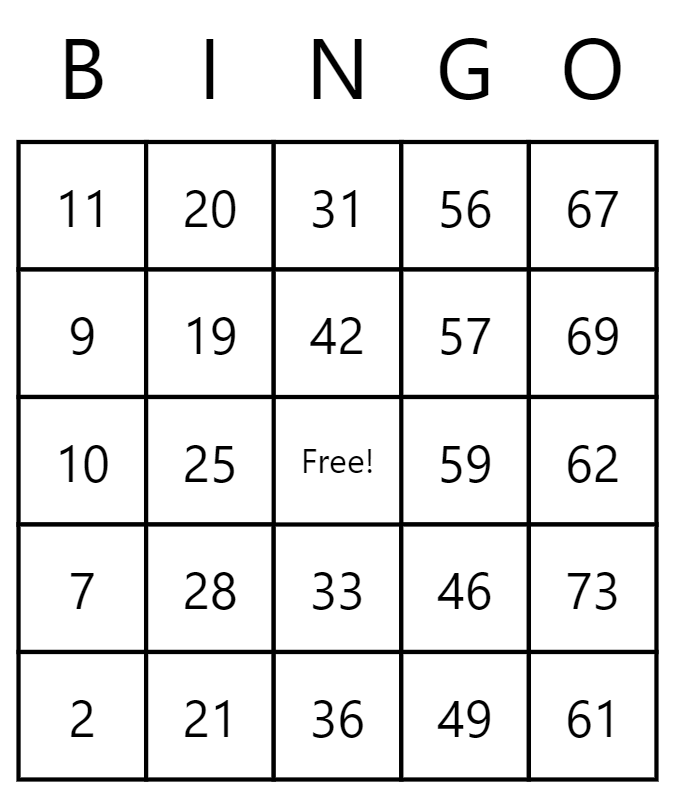
Bingo Card
Who will be the lucky winner? Generate unlimited unique pages, include solutions automatically, and export a print-ready PDF for Amazon KDP.
- Generate unlimited unique puzzles
- Automatic solution pages
- Print-ready PDF export sized for Amazon KDP
- Commercial-use license included
At a glance
Quick reference
Important checks before exporting Bingo Card pages.
| Output | Export the finished puzzle collection as a PDF and inspect it before uploading. |
|---|---|
| Solutions | Include and review solution pages when this puzzle type supports them. |
| Difficulty | Match vocabulary, grid size, clues, and complexity to the intended reader. |
| KDP check | Confirm the current trim, margin, bleed, and manuscript requirements for the selected book format. |
What the Bingo Card generator does
This Bingo Card generator helps you build complete number & counting puzzle makers collections quickly. Choose your settings, generate as many unique pages as you need, then export a KDP-ready interior.
Perfect for
- Amazon KDP publishers building puzzle and activity collections
- Creators who want bingo card pages without design software
- Sellers growing a passive income puzzle catalog
- Teachers and parents making printable worksheets
The Bingo Card generator creates complete number & counting puzzle makers interiors for Amazon KDP. Open the Bingo Card generator to review its settings, create pages, and inspect the exported PDF. Popular uses include: bingo card, bingo card generator, bingo card maker, number & counting puzzle makers, kdp, printable.
Example pages from this collection
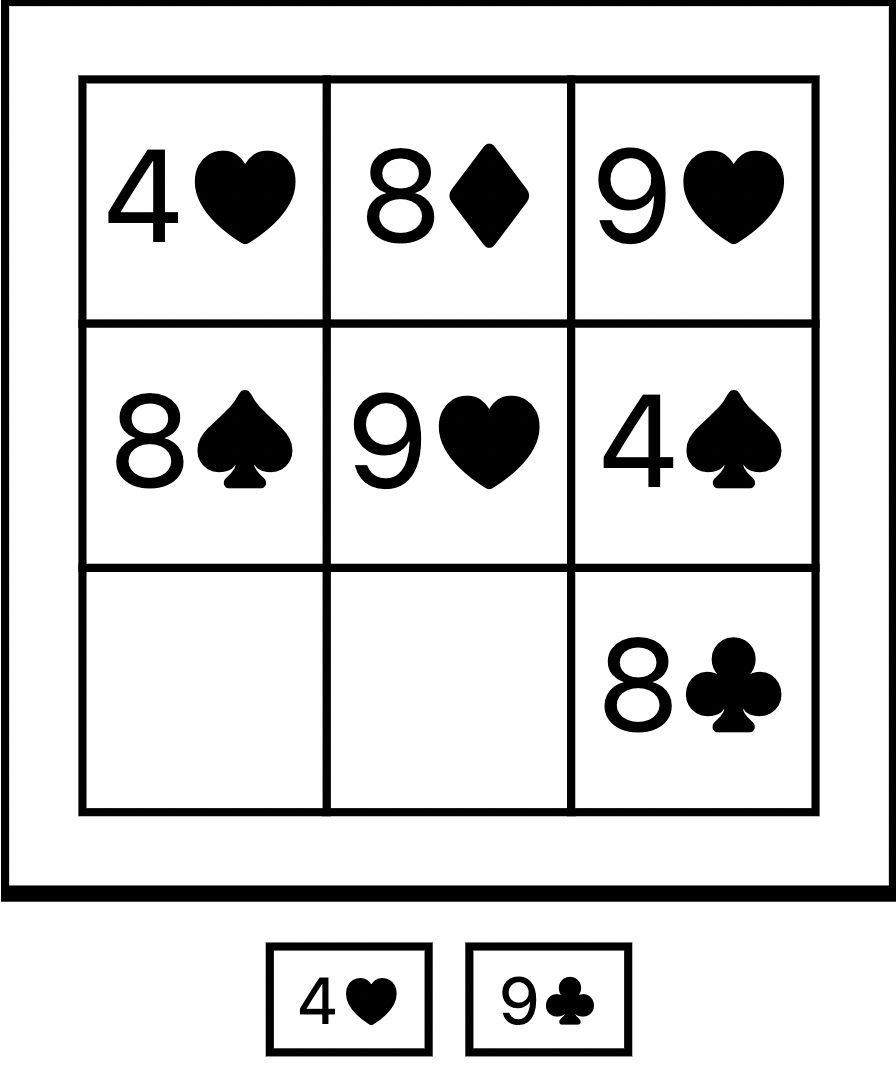
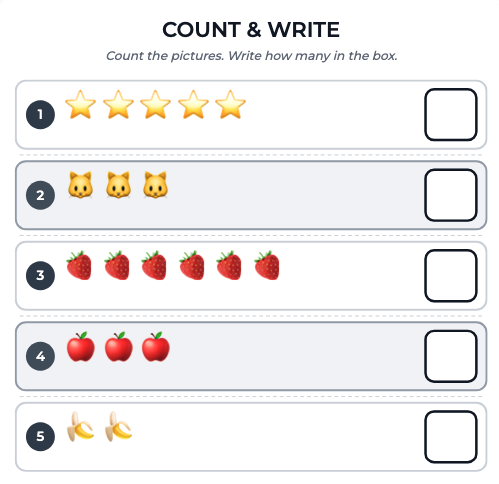
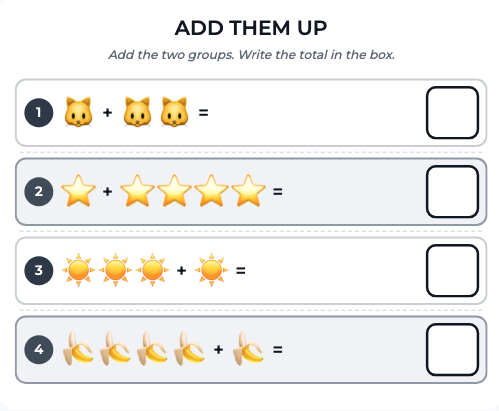
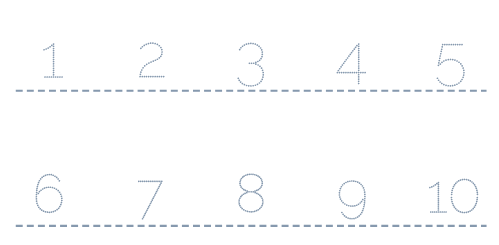
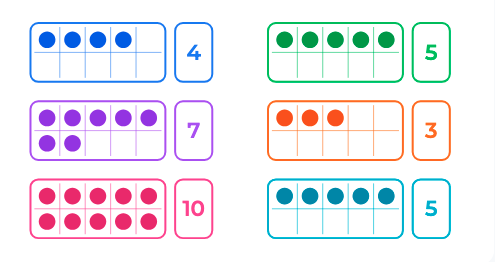
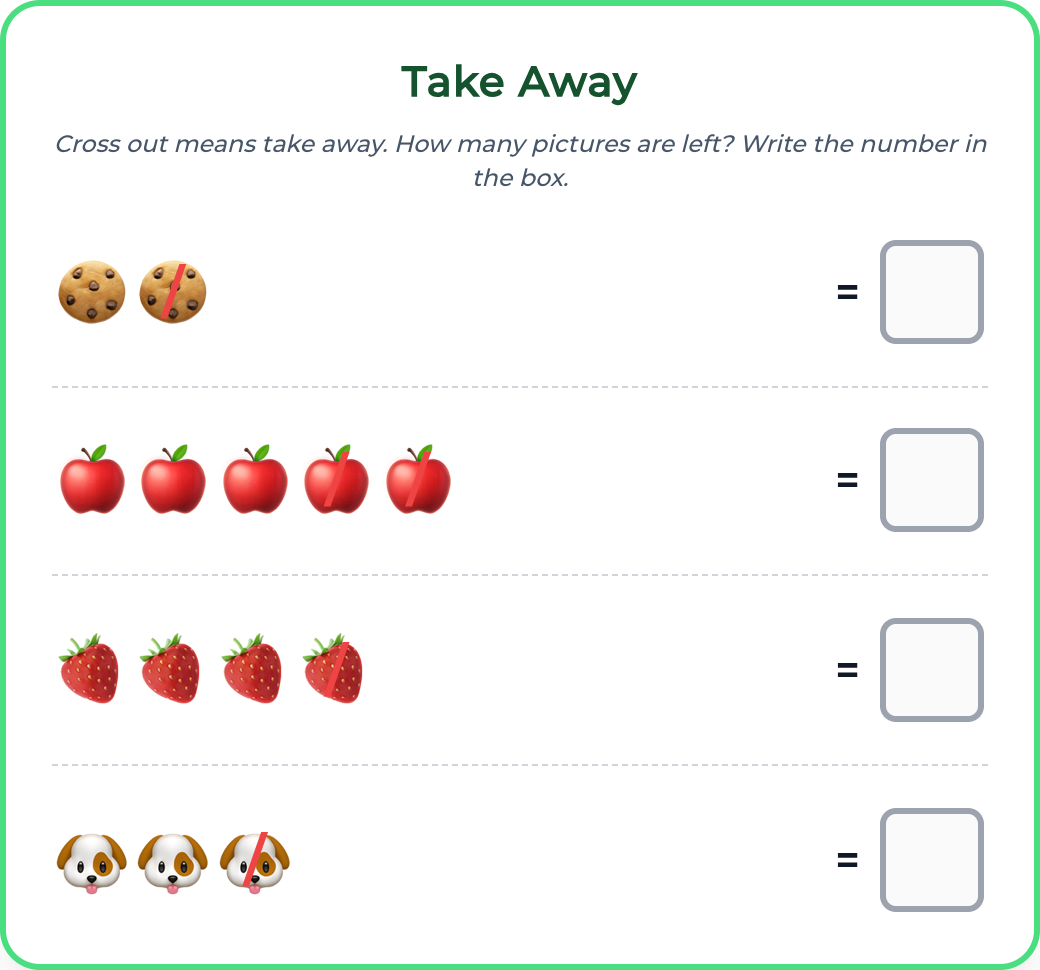
See how number & counting puzzle makers pages look before you start. Every preview below is a real output from the generator.
Your workflow
How to make a Bingo Card puzzle collection
Four steps from generator to print-ready PDF.
- 1
Open the Bingo Card generator
Click the button above to jump straight into this puzzle in the Puzzle Maker.
- 2
Choose your settings
Pick difficulty, page count, board size, and any puzzle-specific options.
- 3
Generate your pages
Create as many unique puzzles as you need — solutions are included automatically.
- 4
Export your pages
Download a print-ready PDF sized for Amazon KDP, ready to drop into your interior.
Inside the generator
What you get
Everything below ships with the generator — no extra setup.
- Generate unlimited unique puzzles
- Automatic solution pages
- Print-ready PDF export sized for Amazon KDP
- Commercial-use license included
- Automatic solution / answer pages
- KDP trim sizes including 6×9 and 8.5×11
Put it to work
What you can use it for
- Create Bingo Card pages for Amazon KDP
- Build bingo card collections for a specific niche
- Build bingo card generator collections for a specific niche
- Build a passive income stream with puzzle collections
- Produce activity pages for kids or adults
- Make printable worksheets for classrooms or clients
Avoid these pitfalls
Common mistakes to avoid
Skipping the proof export
Open the exported PDF and check page order, clipping, answer accuracy, and blank pages before publishing.
Using one difficulty for every reader
Puzzle density and clue complexity should match the age, experience, and expectations of the intended audience.
Ignoring repetition
Review generated pages for duplicated layouts, clues, or answers so the collection feels intentionally varied.
Before you export
Edge cases worth checking
Long words and translated content
Long entries, accents, and non-English characters may need extra space or font coverage in the final layout.
Solution-page placement
Verify that solution pages remain paired with the correct puzzles after changing quantity or book placement.
Different trim sizes
A layout that reads well at 8.5 × 11 inches may become crowded at a smaller trim, so recheck every target size.
Start your Bingo Card collection now
Create Bingo Card puzzlesResources & guidance
Want more practical KDP help?
Browse our free publishing resources, checklists, and tool guides before you start your next book.
Explore free resourcesWhy not build Bingo Card pages by hand?
| What matters | Doing it manually | With this tool |
|---|---|---|
| Time to a finished set | Hours or days of hand layout | Minutes of generation |
| Design skills | Word, Illustrator, or InDesign | None — pick and generate |
| Solutions / answer key | Built by hand for every page | Generated automatically |
| Scaling to more collections | Start from scratch each time | Re-generate in a click |
Frequently asked questions
What is a Bingo Card puzzle collection?
Who will be the lucky winner?
How do I publish Bingo Card pages on Amazon KDP?
Generate your pages in the Puzzle Maker, export a print-ready PDF, then upload it as your KDP interior.
Can I customize the Bingo Card puzzles?
Yes. You can change difficulty, page count, board size, and puzzle-specific options before generating.
What page size should I use?
The most popular KDP sizes for puzzle interiors are 6×9 inches and 8.5×11 inches. Both are supported.
Are solutions included?
Yes. Solution pages are generated automatically so you do not have to build an answer key by hand.
Do I need design experience?
No. The generator handles layout, margins, and formatting — you only choose settings and export.
More number & counting puzzle makers
Mix these into the same collection, or start a second set in the same niche.
Keep exploring
Browse puzzle tools
Start creating
More KDP tools
Ready to create your Bingo Card collection?
Start generating unique pages now, include solutions automatically, and export a KDP-ready interior.
Create Bingo Card puzzlesNo design experience required · Print-ready PDF export